Ever needed to quickly send yourself some photos or videos from your iPhone but got stuck navigating through multiple menus and typing out email addresses? We've all been there. In this guide, I'll show you the fastest ways to email yourself media files, including a game-changing solution that'll save you precious time.
The Traditional Way (And Why It's Slow)
The standard method of emailing yourself photos goes something like this:
- Open Photos app
- Select your media
- Tap the share button
- Choose Mail
- Type your email address
- Add a subject line
- Finally hit send
That's seven steps just to send yourself a photo! When you're trying to quickly save memories or share important visual information with yourself, this process can feel tediously long.
The Fast Way to Email Yourself Photos and Videos: Email Me
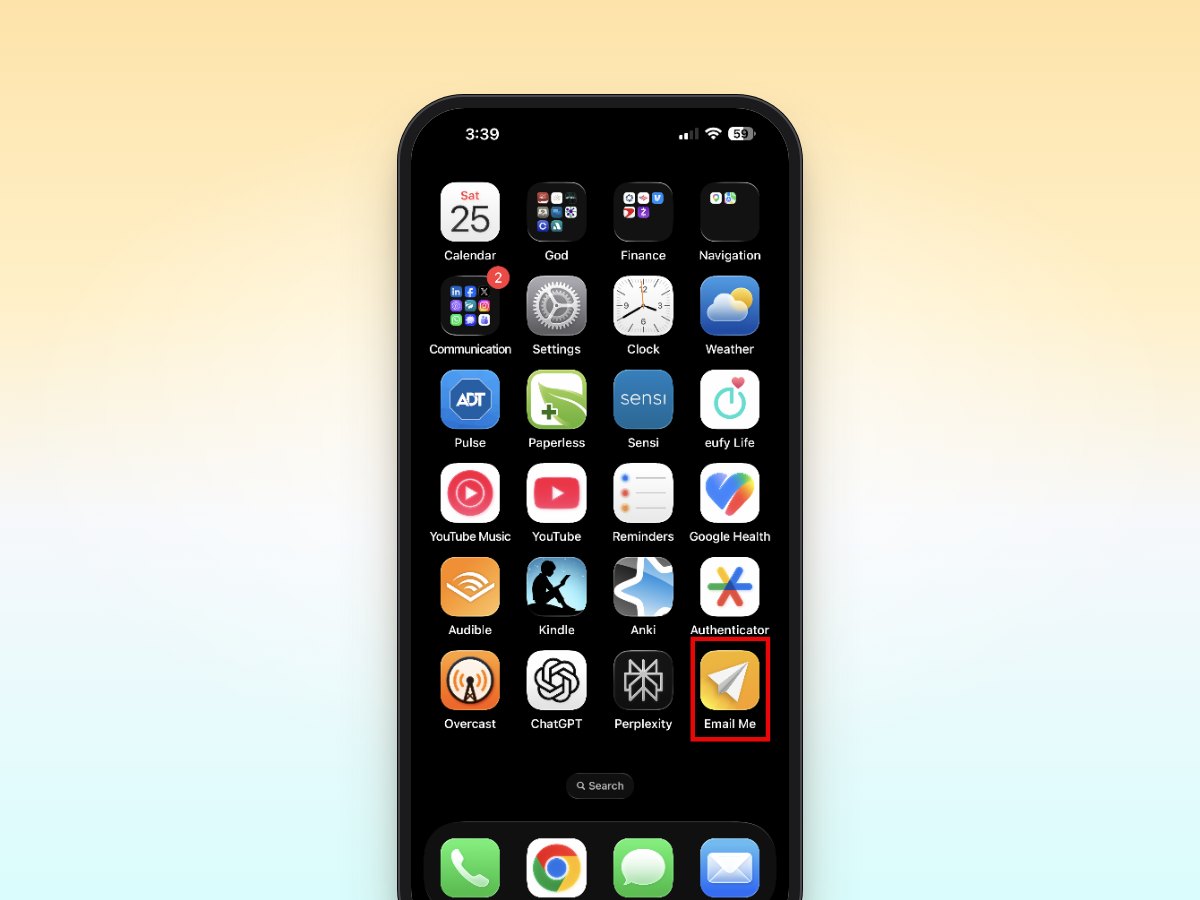
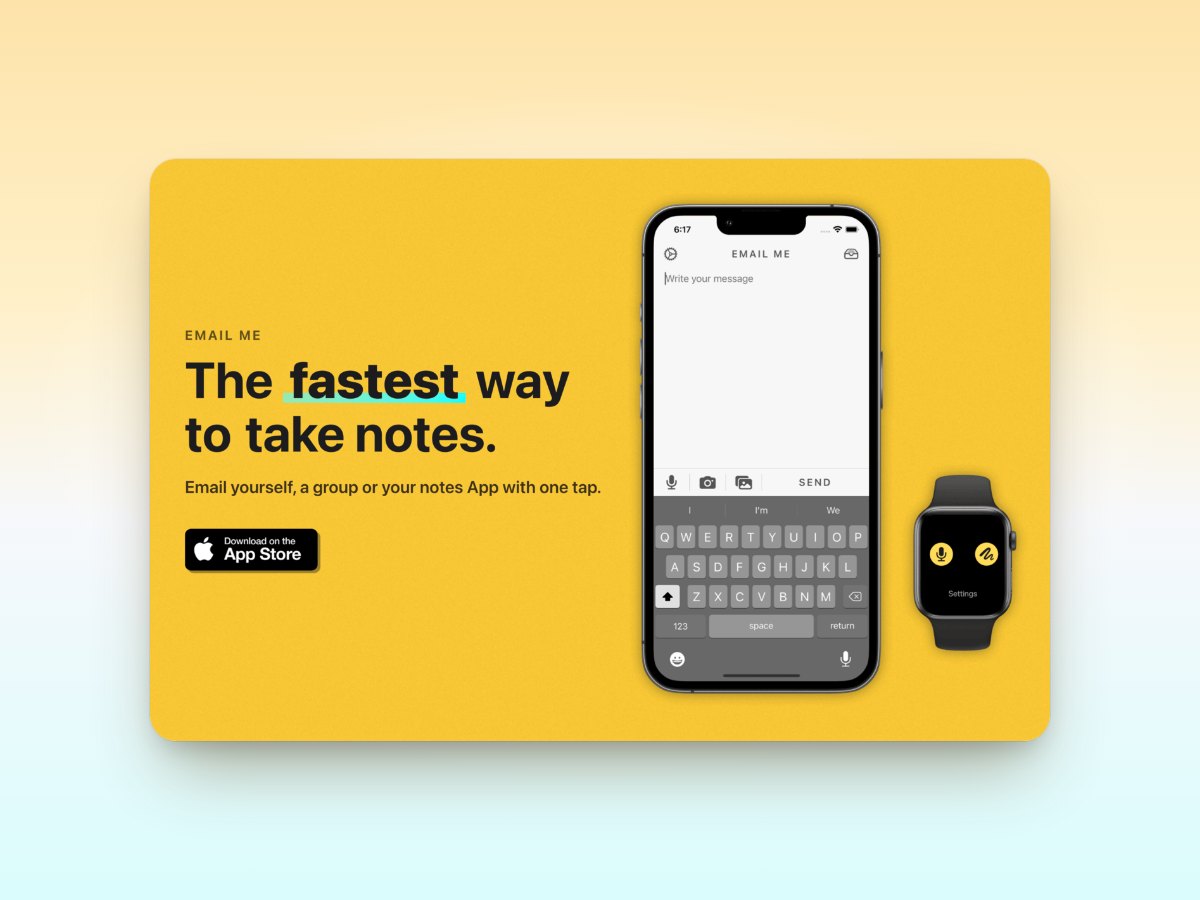
Here's where Email Me app comes in to streamline the entire process. With Email Me, you can email yourself photos and videos in just two taps:
- Select your media and tap the share button
- Tap the Email Me option in the share sheet
That's it! Your photos or videos are instantly sent to your preset email address. No typing, no additional menus, no friction.
Pro Tips for Managing Media Files
Whether you're using Email Me or traditional methods, here are some helpful tips for managing your media emails:
1. Create Albums for Batch Sharing
Before sharing multiple photos, organize them into an album. This makes it easier to select and share exactly what you need.
2. Optimize File Sizes
For large videos or multiple high-resolution photos, consider using the "Medium" or "Small" size option when sharing. This helps prevent email delivery issues.
3. Use Meaningful Subject Lines
With Email Me, you can set up automatic subject line prefixes like "📸 Photos" or "📱 iPhone Media" to help organize your inbox.
Real-World Use Cases
Here are some practical scenarios where quickly emailing yourself photos and videos comes in handy:
- Backing up important documents
- Sharing vacation photos between devices
- Sending yourself screenshots for work
- Collecting reference images for projects
- Archiving receipts and warranties
Email Me Features That Make Life Easier
Beyond basic sharing, Email Me offers several features specifically designed for managing media:
- Custom email templates for different types of media
- Automatic subject line formatting
- Multiple email address support
- Instant sharing without launching email app
- Compression options for large files
Best Practices for Email Organization
To keep your media-filled emails organized:
- Use consistent subject lines
- Create email filters for photo and video messages
- Set up dedicated folders in your email client
- Add relevant notes or context when needed
The Impact on Daily Productivity
Think about how many times you email yourself photos or videos in a week. If each traditional email takes 30 seconds, and Email Me reduces that to 5 seconds, you're saving several minutes every week. That's time better spent on more important tasks.
Frequently Asked Questions
How do I send a video from my iPhone to email?
Open the Photos app, select the video, tap the share button, and choose Mail, or choose Email Me to skip typing addresses entirely. If the video is short, it sends as a normal attachment; for longer clips, check the size limits below.
Why won't my iPhone let me email a video?
The video is almost certainly too big. Most email providers cap attachments at roughly 20-25 MB (Gmail allows 25 MB), and just one minute of 4K video can be 350-400 MB. Trim the clip, lower the recording quality, or let Apple's Mail Drop send a download link instead.
What is the largest video file you can email?
As a rule of thumb, keep attachments under 25 MB. That's Gmail's limit, and Outlook and iCloud allow even less. Anything bigger should go via Mail Drop (up to 5 GB), an iCloud link, or a trimmed and compressed version of the video.
How do I email multiple photos at once from my iPhone?
In Photos, tap Select, tap each photo, then share. With Email Me, choose the photos, tap the share button, and tap Email Me: the whole batch is emailed to you in two taps. For big batches, send a few at a time to stay under attachment limits.
More ways to send things to your inbox: the complete guide to emailing yourself.
Ready to Streamline Your Photo Sharing?
Stop wasting time with multiple taps and typing email addresses repeatedly. Email Me app transforms the way you share media with yourself, making it as simple as two taps.
Download Email Me from the App Store today and experience the fastest way to email yourself photos and videos from your iPhone. Your future self will thank you for all the time saved!
Download Email Me on the App Store
Remember: The easier it is to capture and share information, the more likely you are to do it. Make your photo and video sharing effortless with Email Me app.
Happy note-taking! 📝
Manuel