Email Me 7.0 is here
I've been working on this one for a long time, and I'm really happy to finally share it. Email Me 7.0 is the biggest update I've ever shipped, and it all comes from something I kept running into myself: my best ideas never arrive when I'm sitting at a keyboard. They show up when I'm walking, driving, or doing the dishes. I wanted Email Me to be just as fast in those moments, when the only thing you can do is talk.
So this release is about voice, and about getting out of your way.
A new way to record
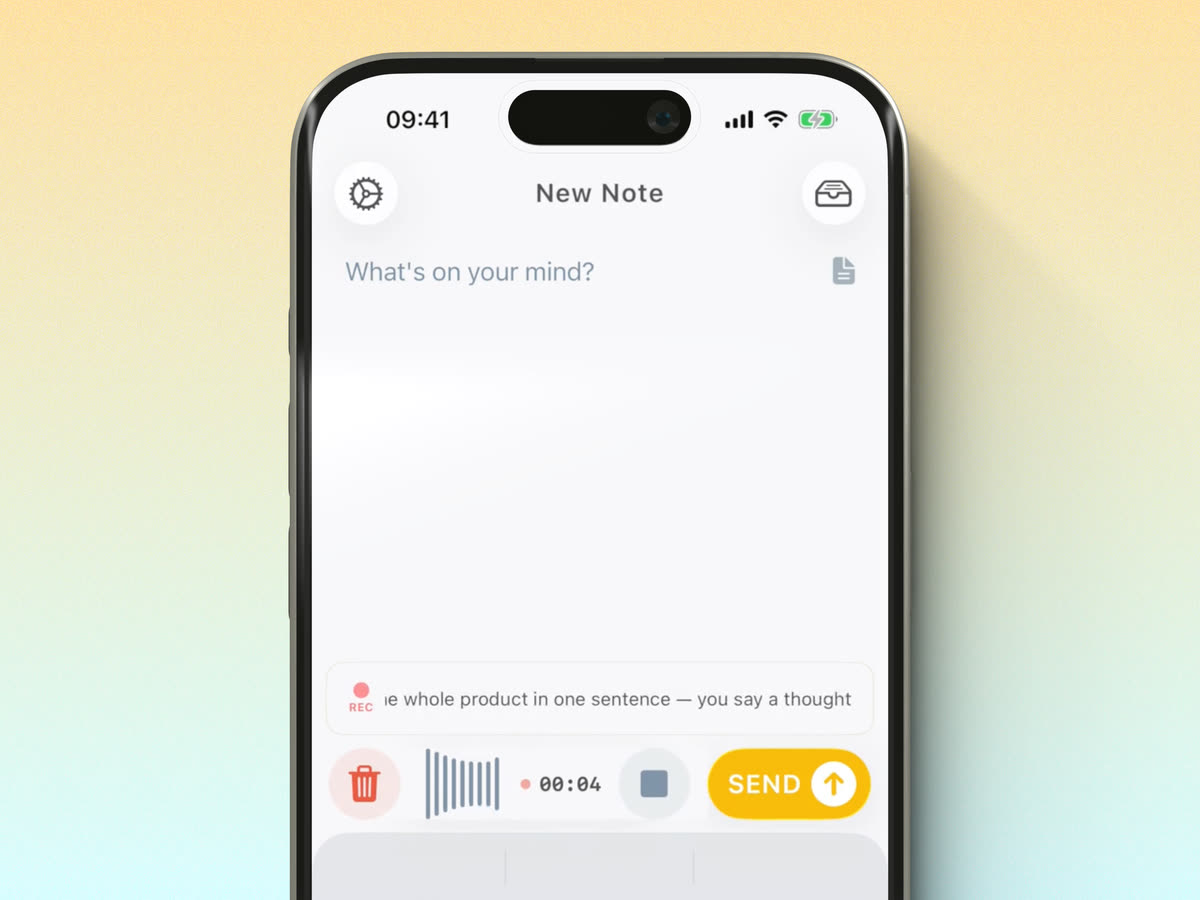
I rebuilt recording from the ground up, on both iPhone and Apple Watch. It starts faster, it's easier to read, and on iPhone your words are now transcribed live as you speak. That small detail changed how the app feels for me. Watching the note appear in real time, it finally feels like it's actually listening.
A little AI to do the boring part
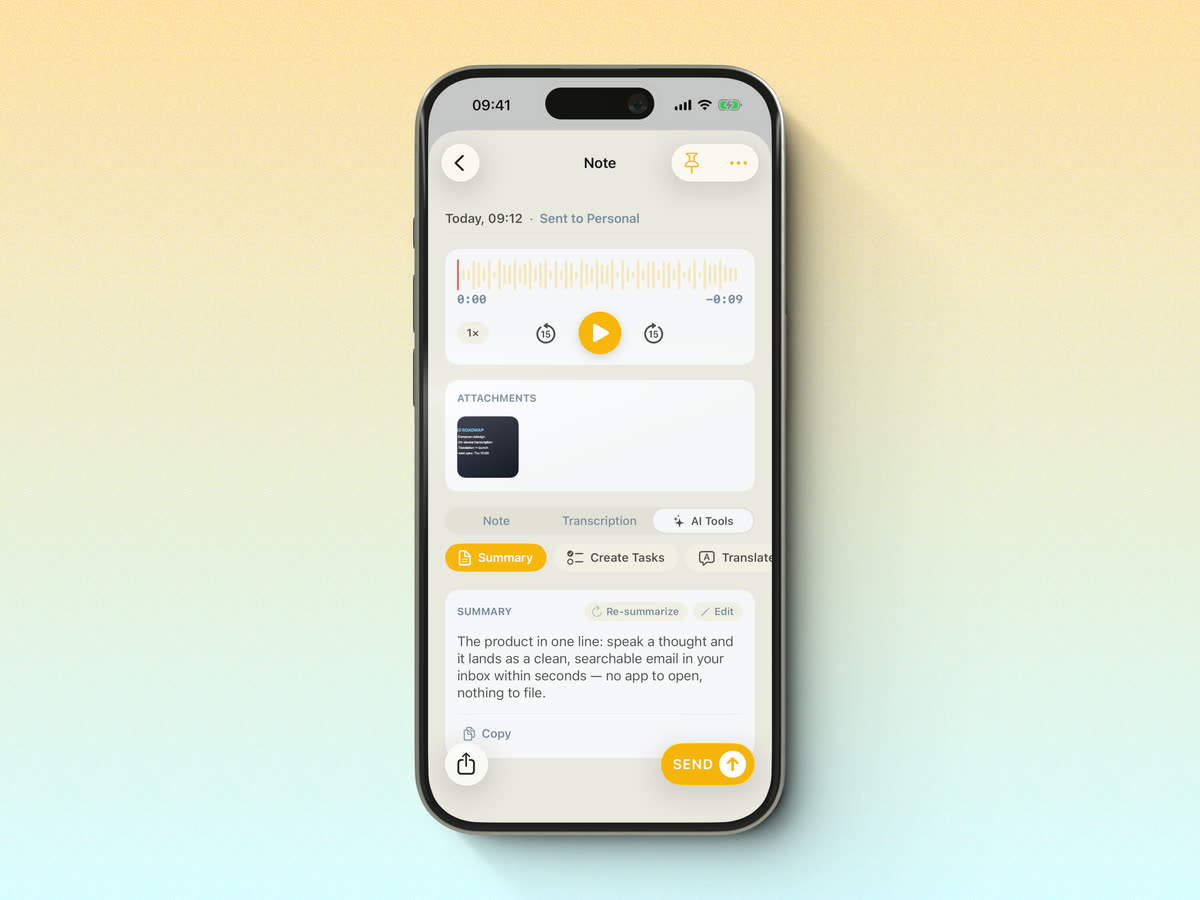
Once you've captured something, the new AI Tools take over. You get a clean transcription, a short summary so the main points sit right at the top, the option to turn what you said into tasks, and a translation when you need one. I use the summaries constantly now. I ramble into the mic and get back something I'd actually want to read later.
A note view I'm genuinely happy with
The note screen has been redesigned around a proper audio player. You can replay your recording, scrub through the waveform, read the transcription, and switch to the AI Tools, all in one place, with your attachments right there. It's the screen I look at most, and it finally feels right.
Everything in one place
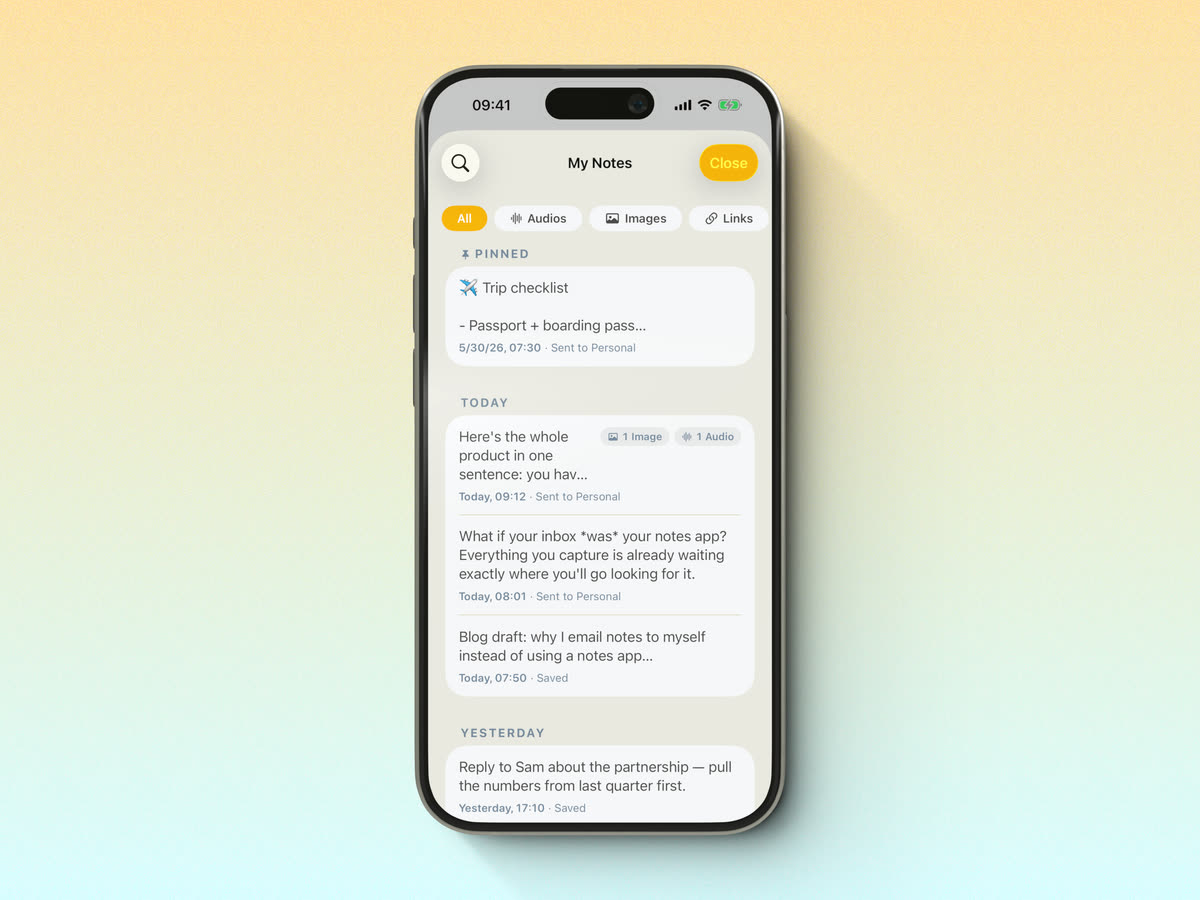
Your notes are easier to dig through, too, with quick filters for audios, images and links, and pinned notes for the things you keep coming back to.
Still yours, still simple
Everything you already rely on is still here: send to as many recipients as you like, bring your own SMTP, and keep your streak going. Email Me is still the fastest way I know to get a thought out of my head and into my inbox.
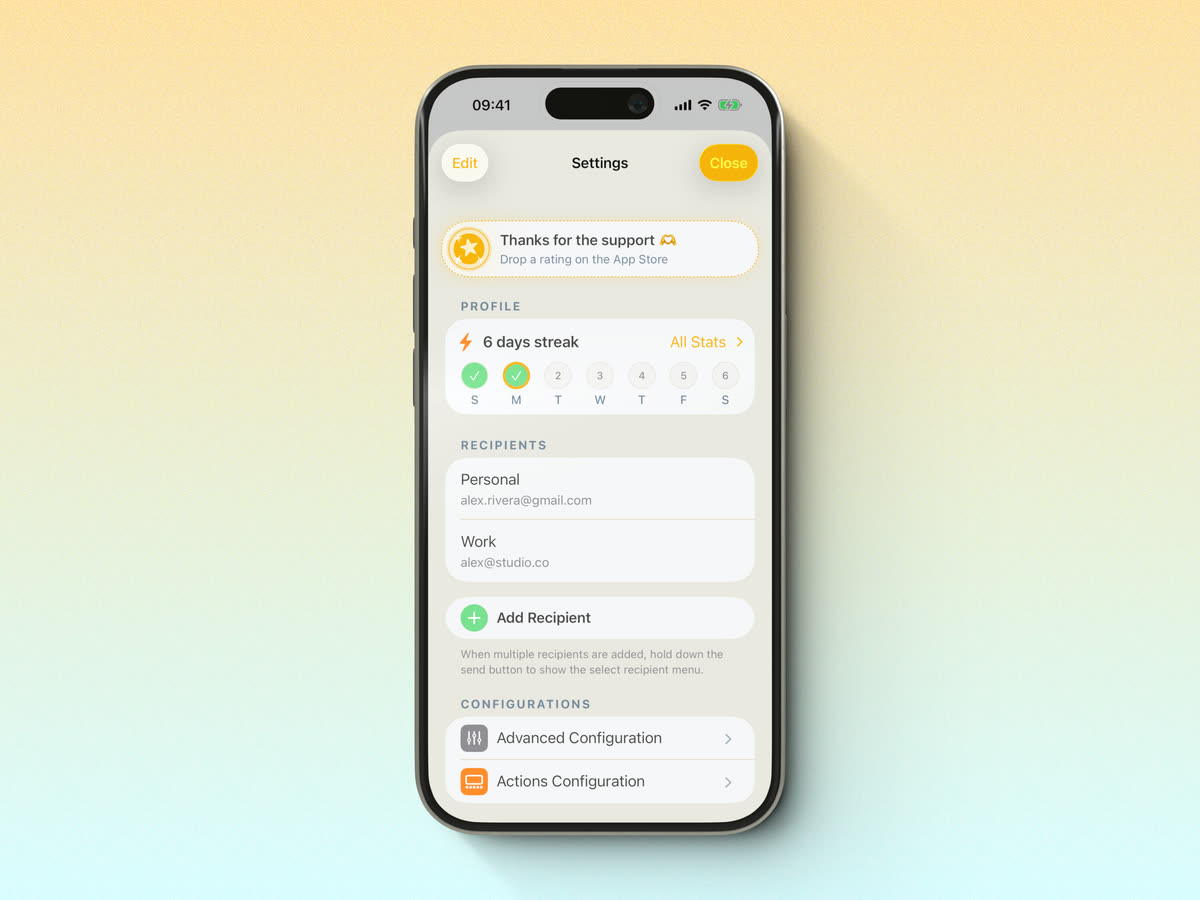
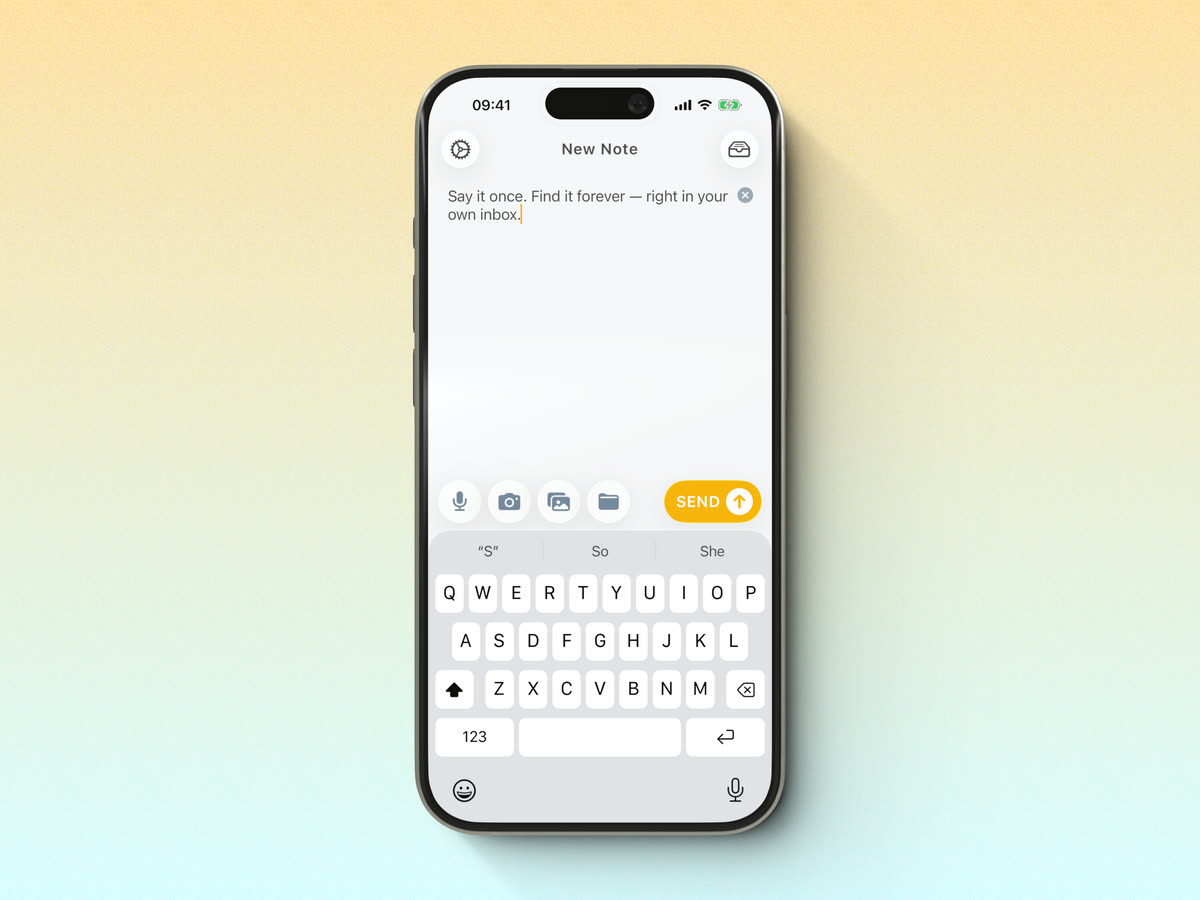
And it's still the same simple thing at heart: open, type or speak, send. Whether it's a single line or a long voice memo, it lands in your inbox in seconds.
Email Me 7.0 is available now on the App Store for iPhone, iPad, Mac, Apple Watch, and Apple Vision Pro.
It's still just me behind the app, so if you try it and have feedback, or run into anything, write to me. I read every message.
Thank you for using Email Me ❤️
Manuel