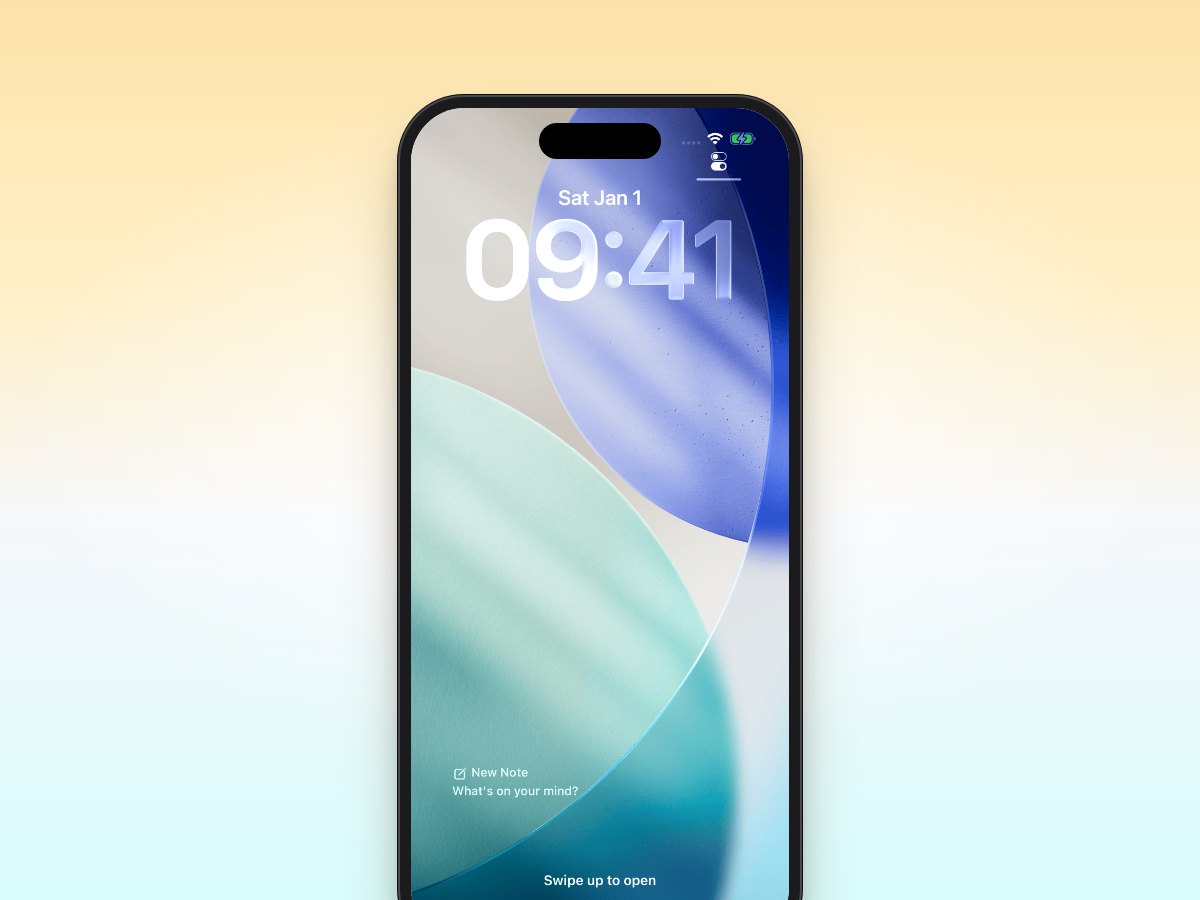
When it comes to quickly capturing thoughts, tasks, and ideas on iOS, two apps often come up in conversation: Email Me and Drafts. Both promise to help you capture information quickly, but they serve different needs and workflows. Let's break down how these apps compare to help you choose the right tool for your productivity setup.
The Quick Capture Challenge
We've all been there: you're in the middle of something when an important thought hits you. Maybe it's a task you need to handle later, a website you want to check out, or a brilliant idea for your next project. The key is capturing that information quickly before it slips away.
Email Me: Simplicity at Its Best
Email Me takes a straightforward approach: tap the app, type your note, and it's instantly emailed to your inbox. This workflow shines in several scenarios:
- Meeting follow-ups: Quickly email yourself action items right after a meeting
- Shopping lists: Jot down items you need to buy when they come to mind
- Reading lists: Send yourself links to articles you want to read later
- Task reminders: Capture to-dos that you'll process in your inbox
The beauty of Email Me lies in its integration with your existing email workflow. There's no new system to learn: your notes land right in your inbox, where you already manage important information.
Drafts: The Power User's Paradise
Drafts, on the other hand, is a more complex tool that serves as a text-processing powerhouse. It offers:
- Advanced text manipulation
- Multiple export options
- Custom actions and automation
- Extensive formatting options
While powerful, this complexity can be overwhelming if you just need to quickly capture thoughts.
Compare the destination, not a claimed tap count
Both apps can capture a thought quickly. The useful difference is where that thought goes next. Email Me sends the note to the email address you set up; if you already process tasks in your inbox, it arrives in that workflow. Drafts opens into a text-first workspace where you can keep, edit, tag, or route the draft with an action. Drafts can also send email through an action, so it would be wrong to say it cannot email a note.
| If you want to… | Email Me | Drafts |
|---|---|---|
| Put a thought in your inbox | Compose or record, then send to your saved recipient | Capture a draft, then run an email action configured for your recipient |
| Work on the text later | Read or process the email in your mail app | Keep editing and organizing the draft inside Drafts |
| Capture from Apple Watch | Send a note or voice recording to your inbox; see the Watch setup guide | Capture drafts on Watch and sync them to Drafts; see the Drafts Watch guide |
| Send something from another app | Use the Email Me share sheet to send it to your inbox | Capture or process shared content using Drafts actions |
Making the Choice
Choose Email Me if
- You want the fastest possible capture method
- Your workflow centers around email
- You prefer simplicity over complexity
- You don't need advanced text processing
Choose Drafts if
- You need advanced text manipulation
- You want to build custom workflows
- You prefer keeping notes in a dedicated app
- You're willing to invest time in setup
Practical Tips for Email Me Users
- Create email templates for common captures
- Use the share sheet to quickly send web links
- Set up keyboard shortcuts for faster input
- Use the subject line feature to organize notes
The Verdict
Choose Email Me when the inbox is already your place to process ideas and reminders. Choose Drafts when the draft itself needs more editing, organization, or automation before it goes anywhere. Both support quick capture; the better fit depends on what you do after capture.
Ready to streamline your capture workflow? Download Email Me from the App Store today and experience the fastest way to send yourself notes, reminders, and ideas. Your future self will thank you for not letting those important thoughts slip away.
Thank you for reading!
All the best,
Manuel