Email Me App Blog
Read about the latest updates and get the most out of your device.
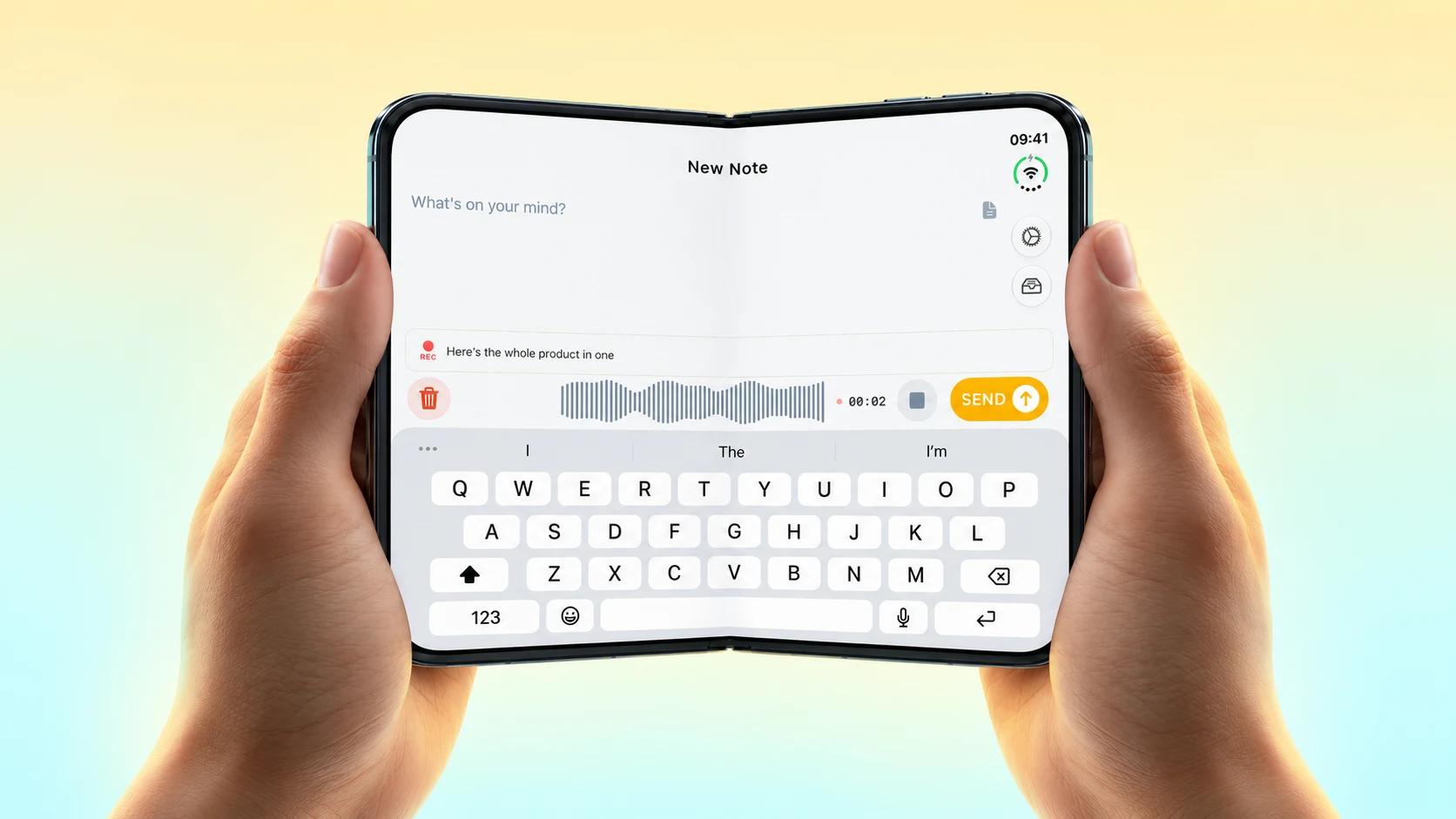
Your Notes, with Room to Breathe on iPhone Duo
A look at Email Me on iPhone Duo's cover and inner displays, with app screenshots, a fold video and the version that introduced the new layout.

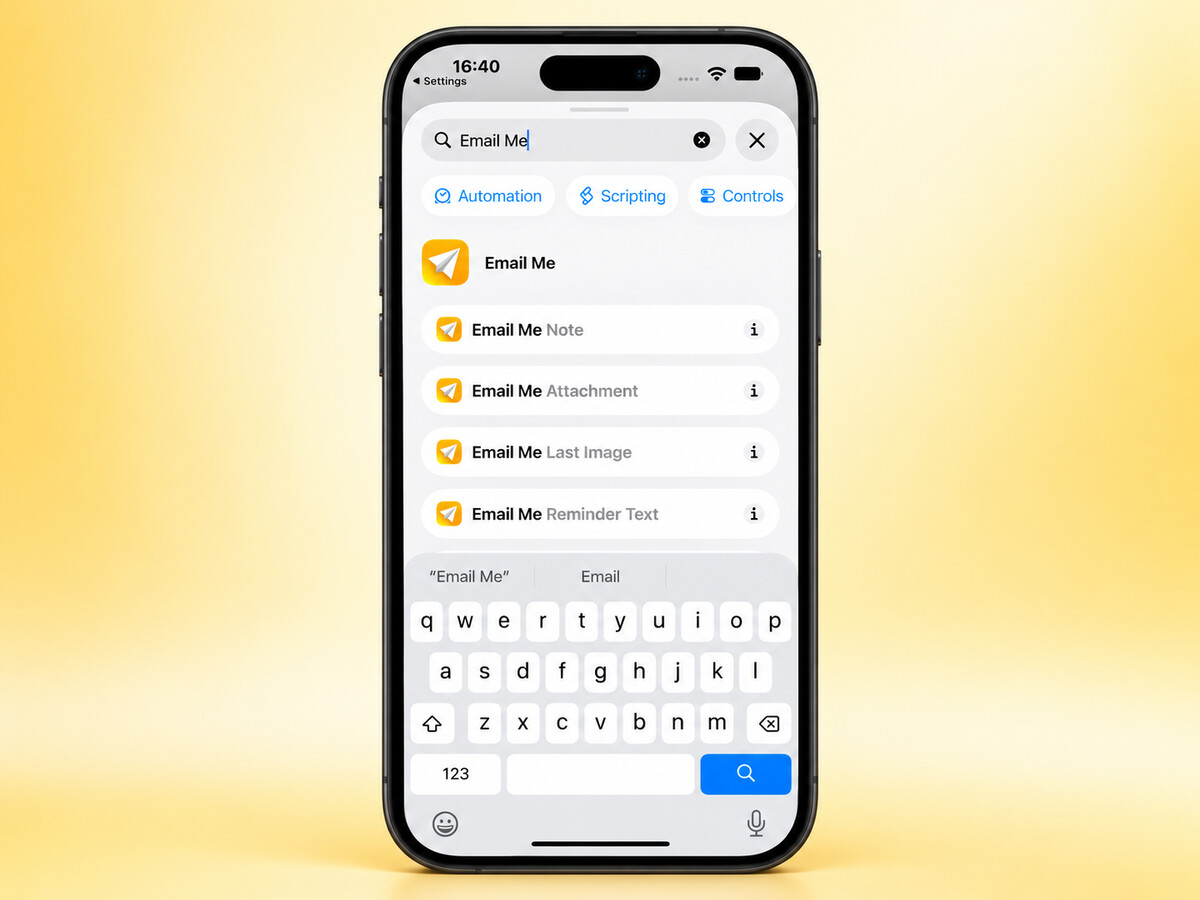
Email Yourself a Screenshot with Shortcuts
A new Email Me Attachment action sends screenshots and files from Shortcuts straight to your inbox.
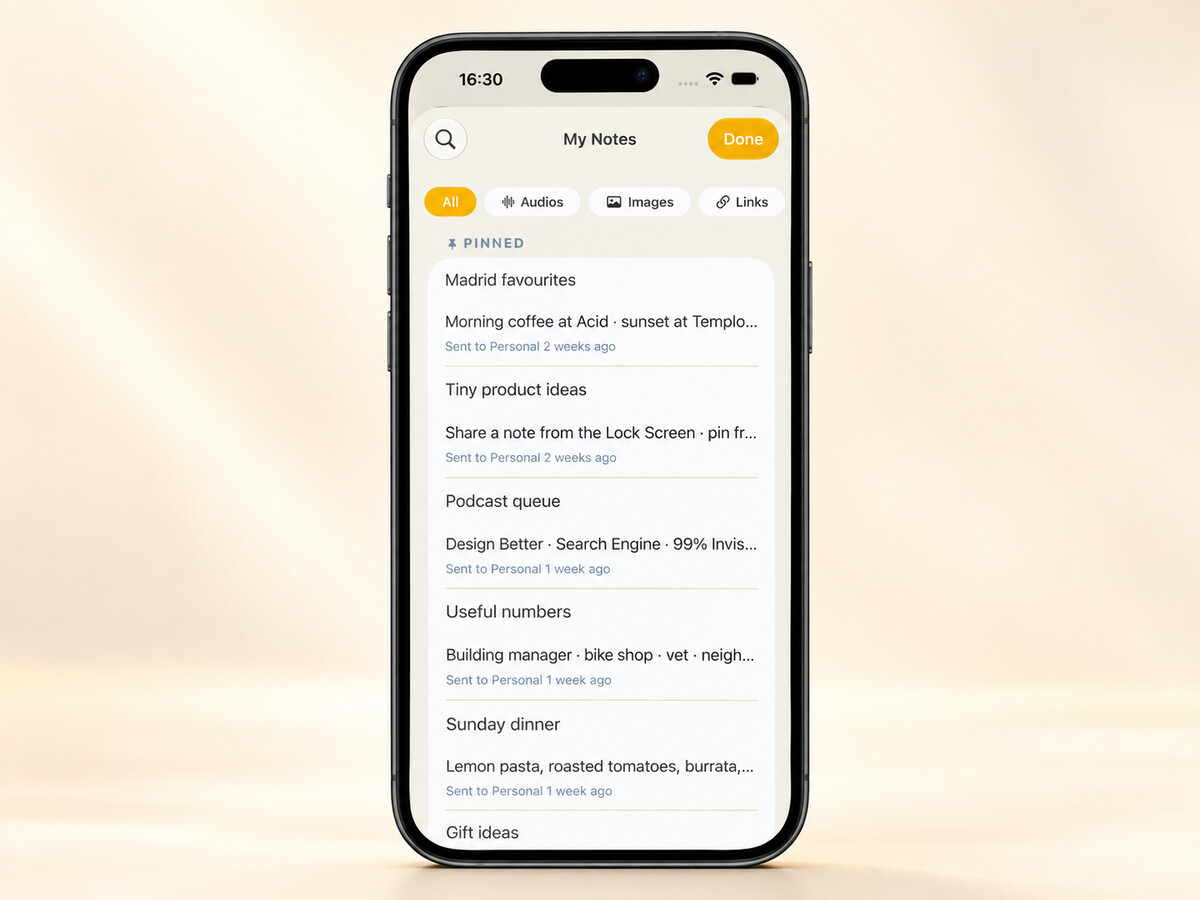
Keep the Notes You Need Close By
Pinned notes, larger widgets and Spotlight make it easier to find something you have already sent with Email Me.
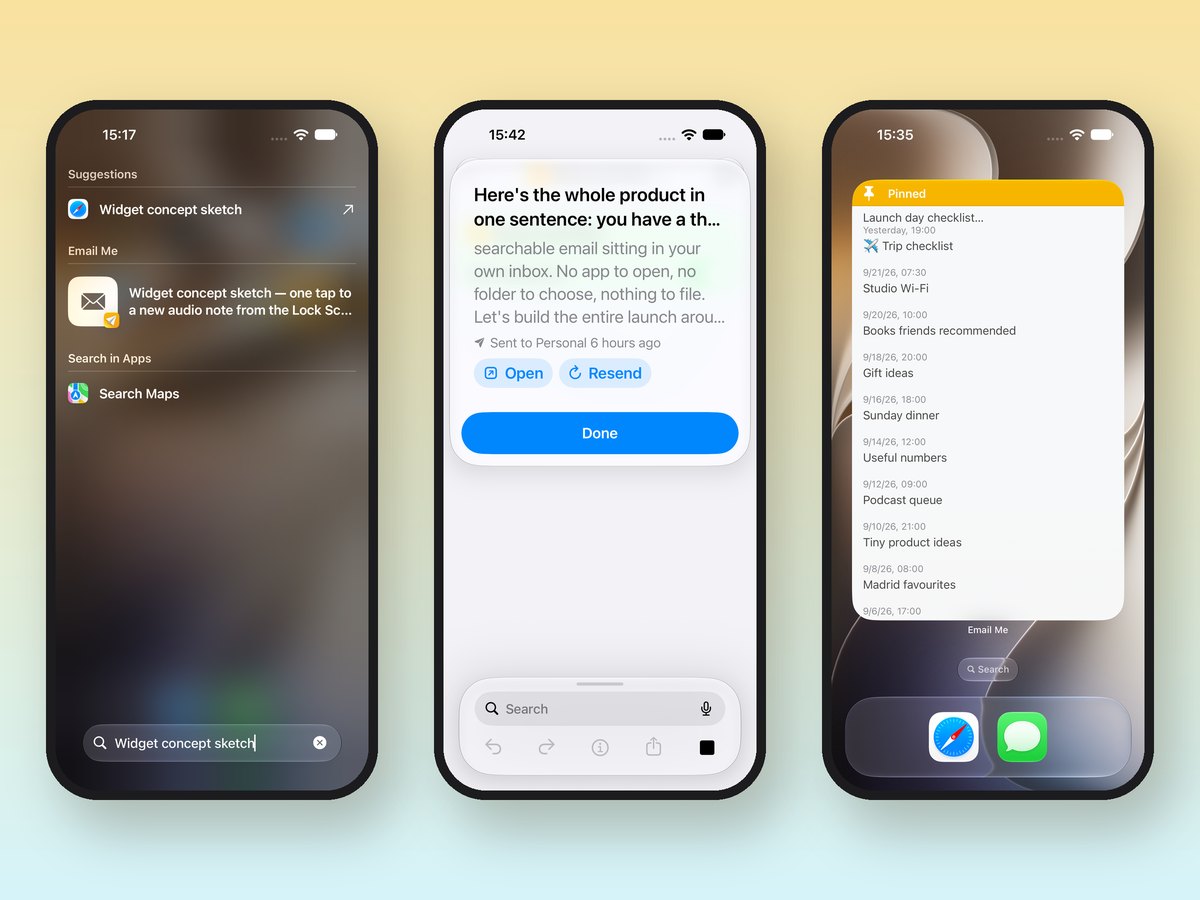
How Email Me Works on iOS 27
On iOS 27, Siri can email you whatever is on screen, find and resend your notes, and your notes show up in Spotlight and on the new extra-large widgets.
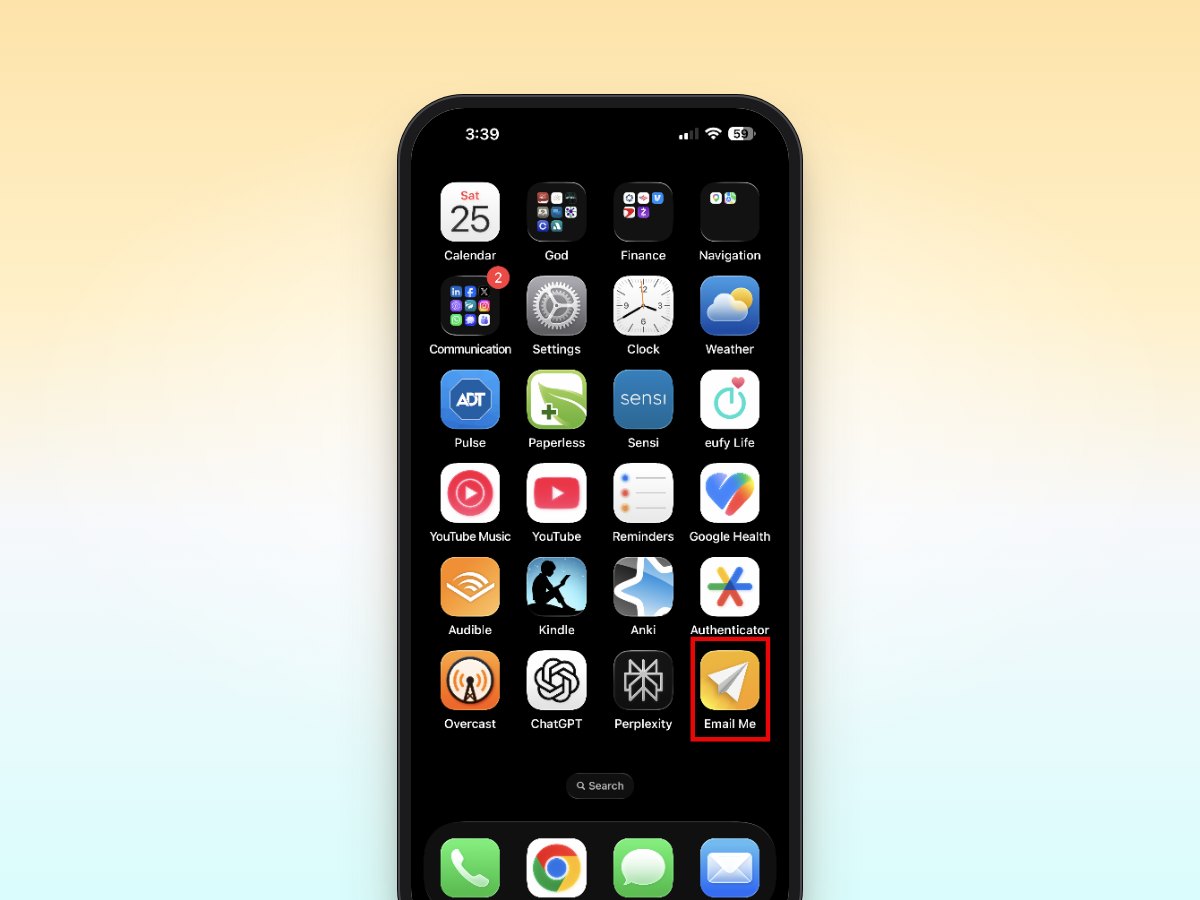
Why I Mention Email Me 27 Times in My Book
Author Steve Kahle explains why he mentions Email Me 27 times in his book Leadership Recall, and how it powers his Capture, Catalog, Recall learning system.
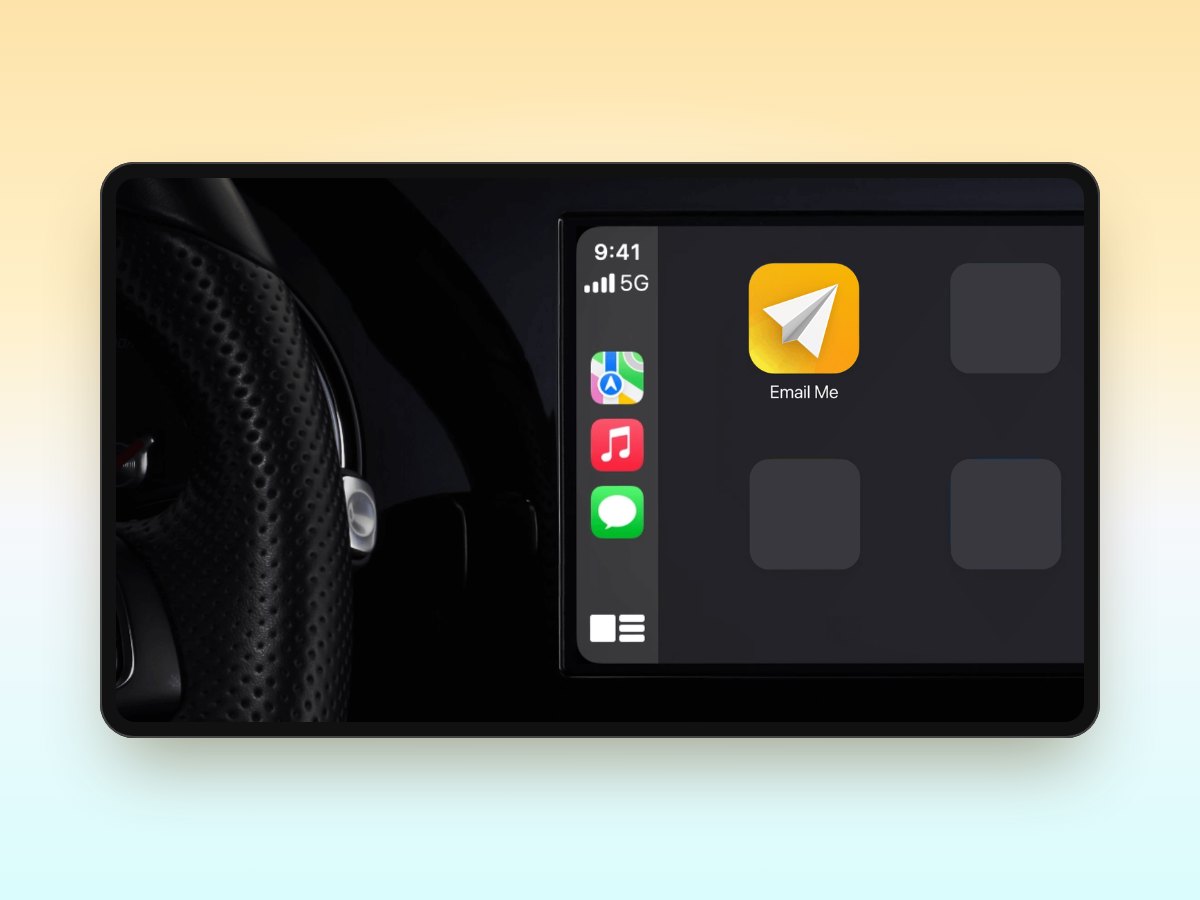
How to Add Email Me to CarPlay
Add Email Me to your CarPlay Home Screen and start voice notes hands-free while you drive. Step-by-step setup guide for iPhone.
How to Use Siri with Email Me
Set up Siri and Siri Shortcuts for Email Me to send notes to your inbox completely hands-free on iPhone, iPad, Apple Watch, and Mac.
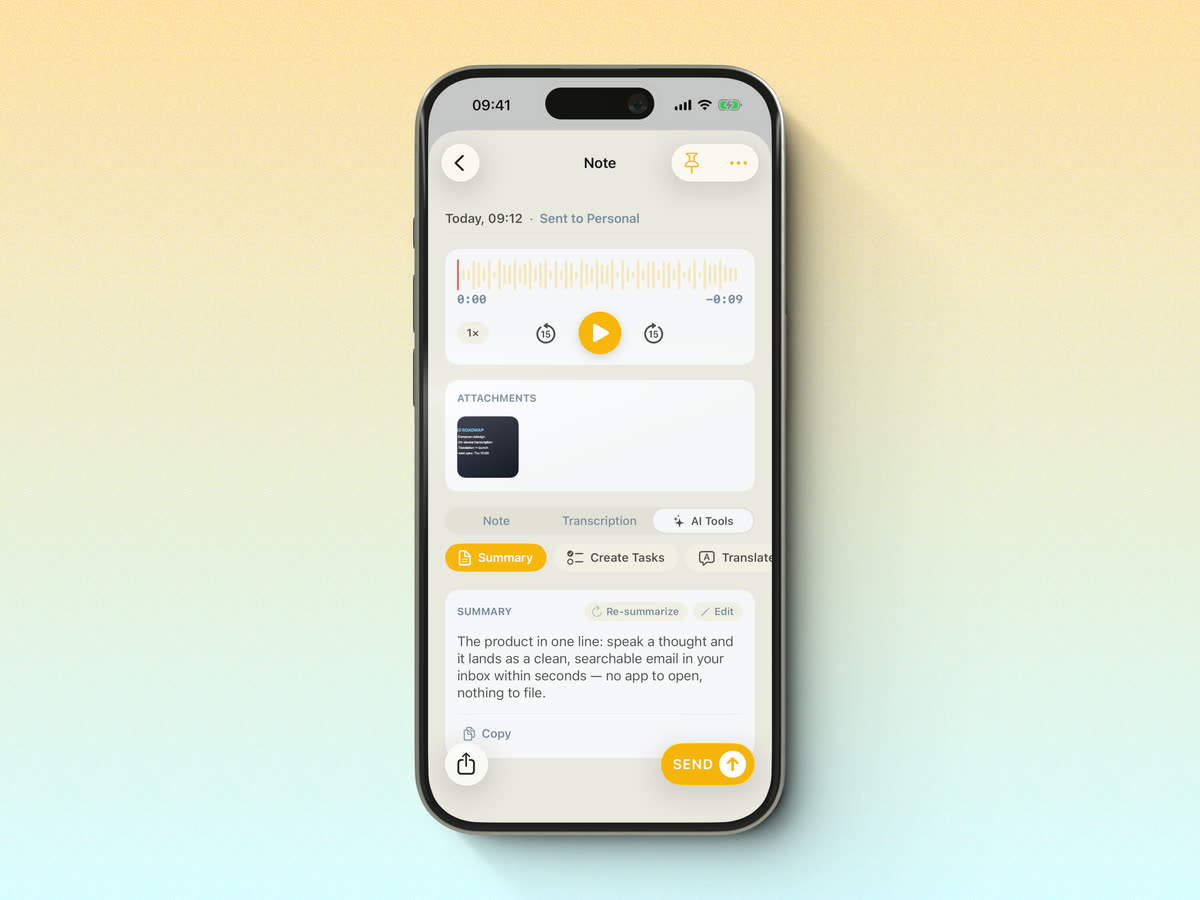
Email Me 7.0 is Here
Email Me 7.0 brings AI voice notes with live transcription, AI summaries and tasks, plus a redesigned recording experience on iPhone and Apple Watch.
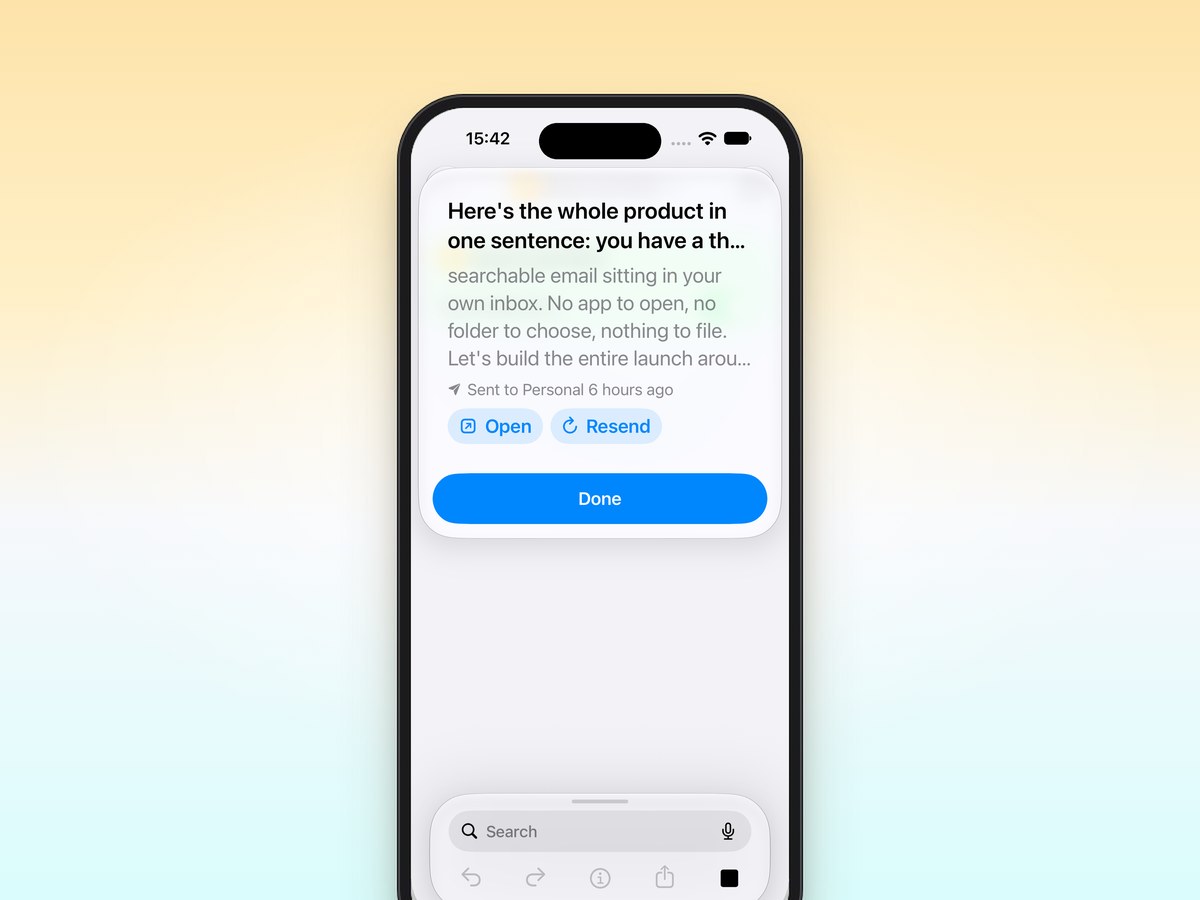
How to Make an Email Shortcut on iPhone
Make an iPhone shortcut that emails you a note in one tap, put it on your Home Screen, or skip the setup with Email Me. Step by step.
Email Task Management: Use Your Inbox as a To-Do List
Turn your inbox into a to-do list: send tasks to yourself in one tap, sort them with simple subject prefixes and clear them like email.
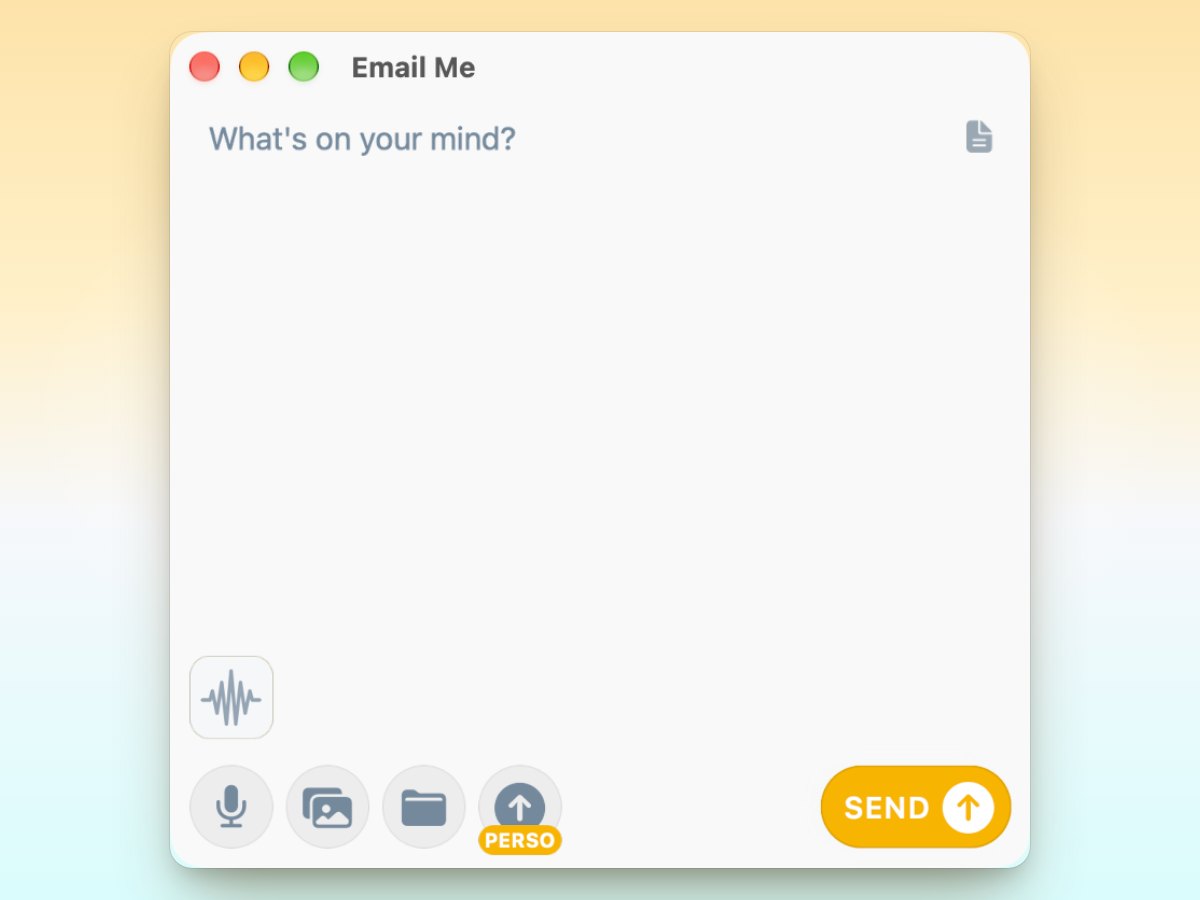
Email Me Offline Mode: Never Lose a Thought
Capture notes offline and email them later with Email Me. The simplest way to save thoughts when you're disconnected, across all your Apple devices.
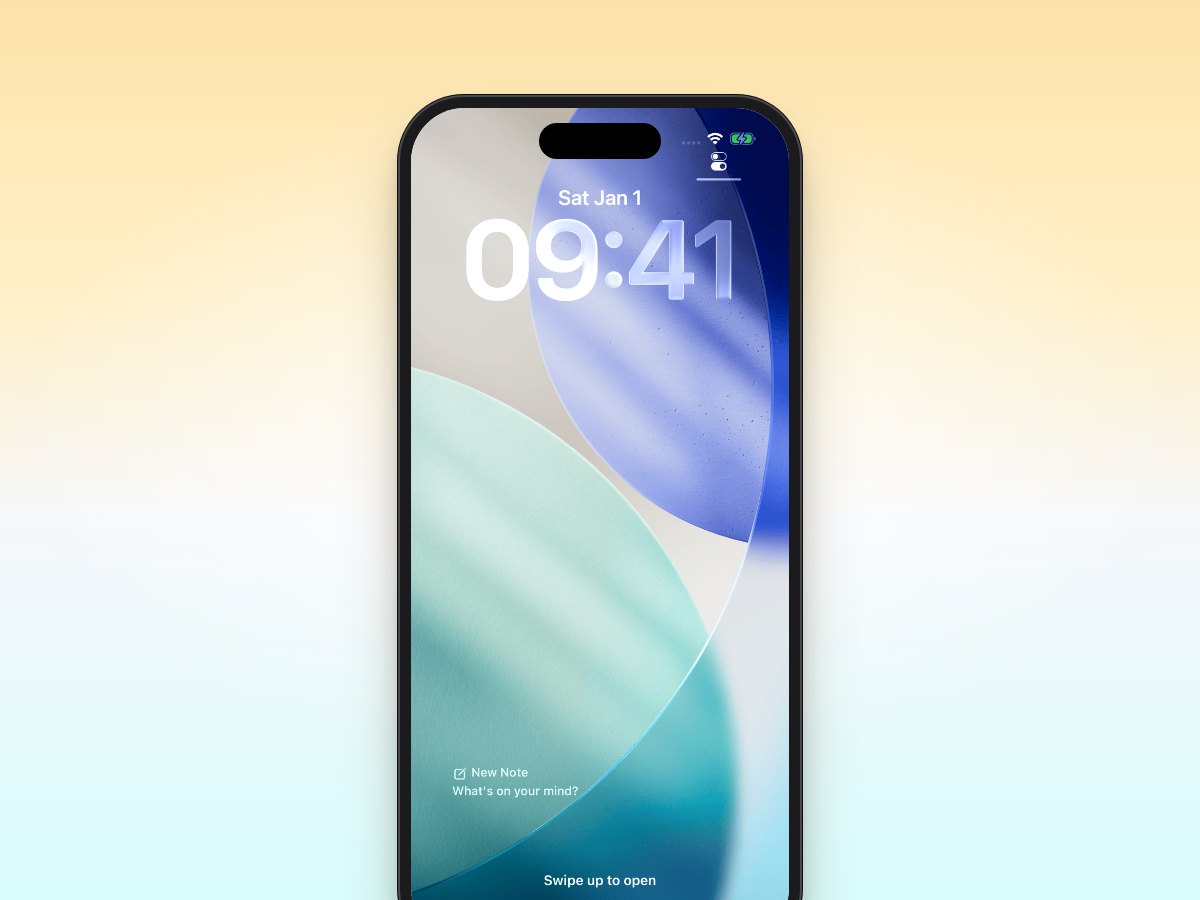
Minimalist Daily Journaling with Email Me
Transform your daily journaling with Email Me - the minimalist app that turns your inbox into a personal diary. Simple, fast, and distraction-free note-taking.
How to Email a PDF or Document to Yourself (iPhone)
Email a PDF or any document to yourself from iPhone: the built-in way with Mail, and a two-tap way with Email Me. Step by step.
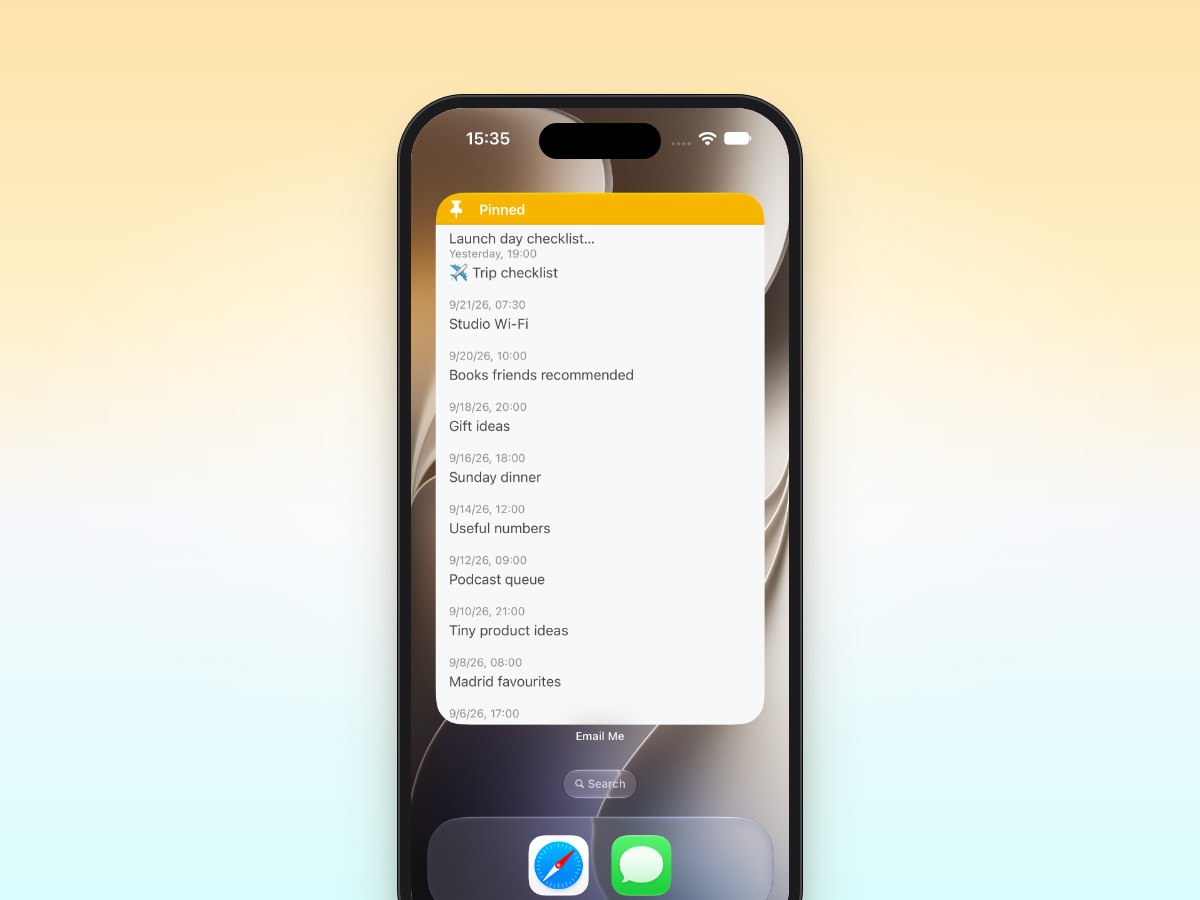
Student Life Hack: Email Me for Studying
Transform your study routine with Email Me - the quickest way to capture and organize class notes. Send thoughts to your inbox in seconds for better grades.
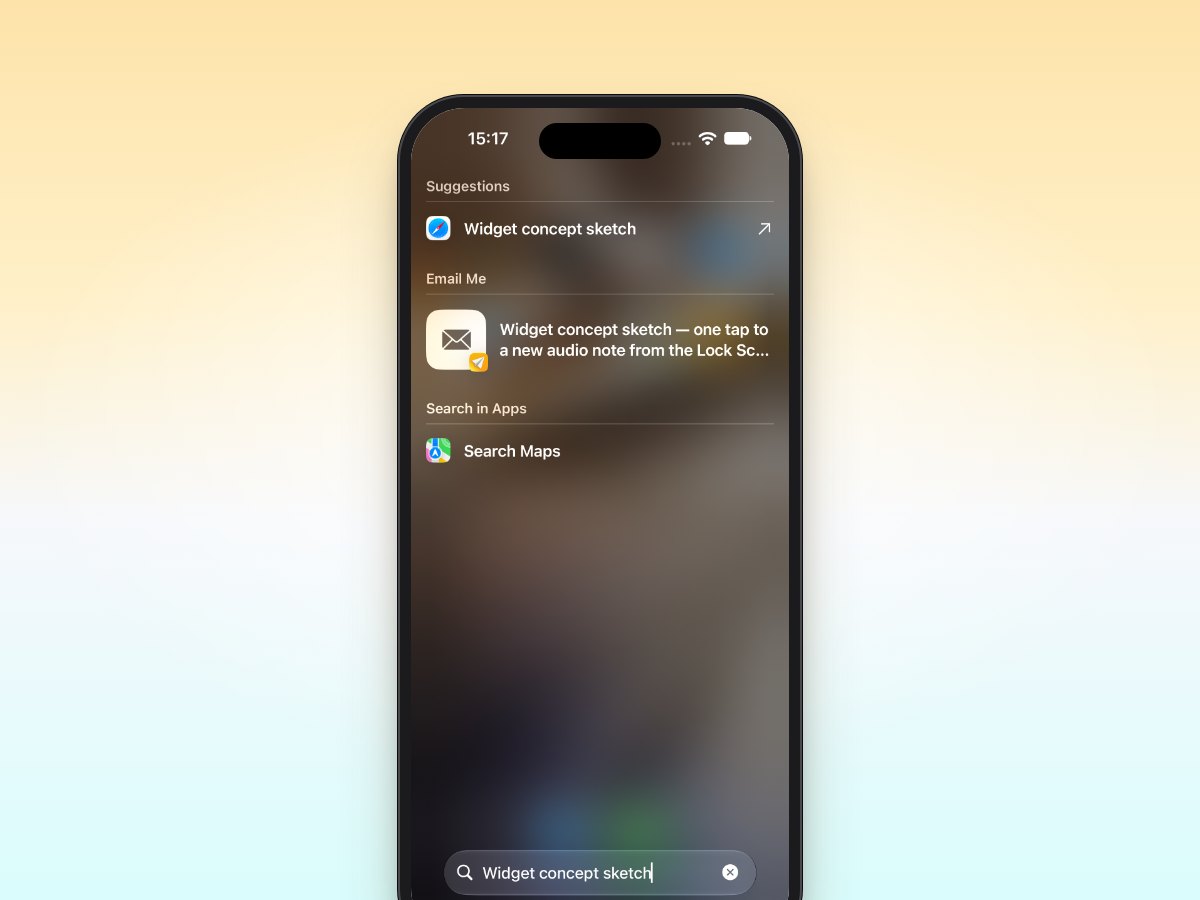
Meeting Notes in Seconds with Email Me
Transform your meetings with Email Me, the fastest note-taking app for professionals. Capture & share meeting notes instantly across iPhone, iPad & Mac.
Email Me vs Drafts: Quick Capture Showdown
Compare Email Me vs Drafts for quick note capture on iOS. See which app wins for speed, features, and seamless syncing across iPhone, iPad & Apple Watch.
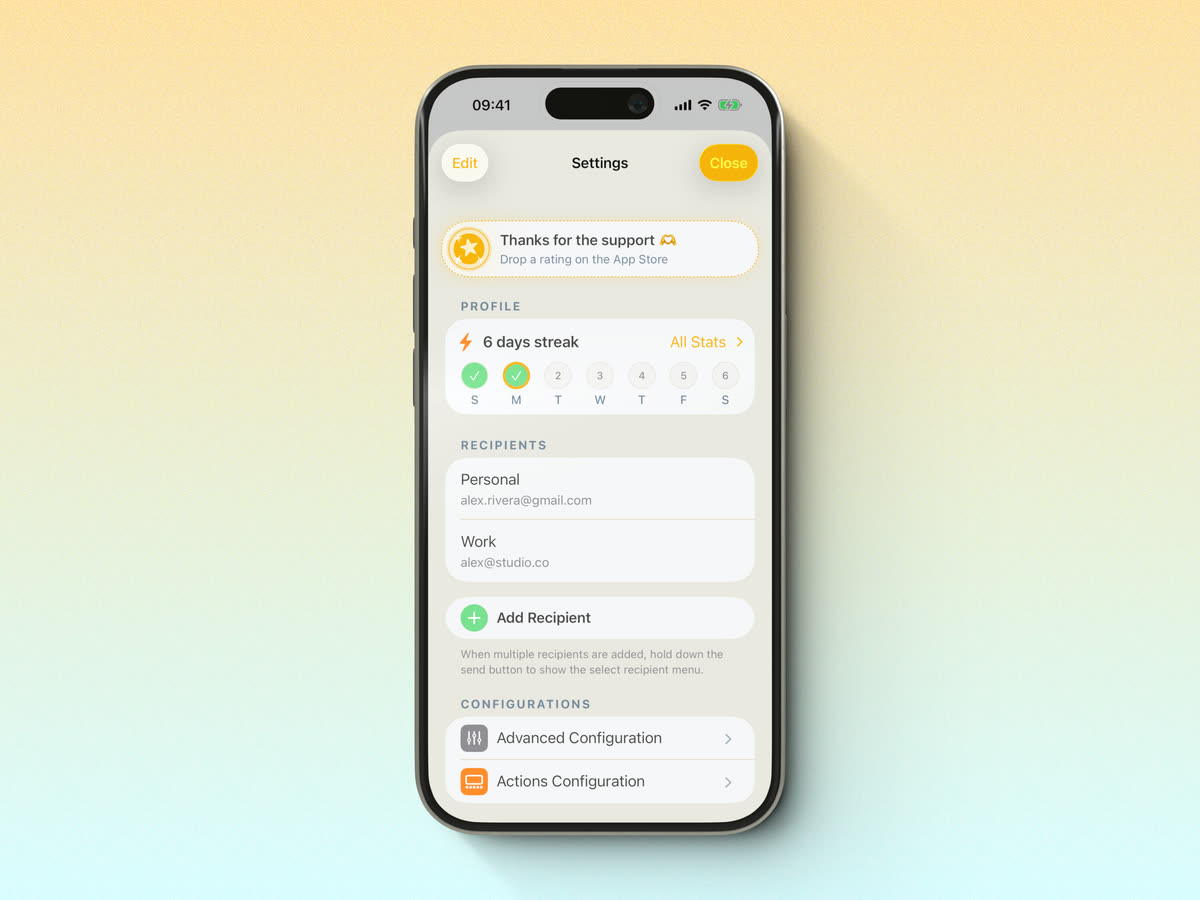
Idea to Inbox: Creative Uses for Email Me
Creative uses for Email Me: send ideas to yourself instantly from any Apple device and turn quick thoughts into organized notes you'll never lose.
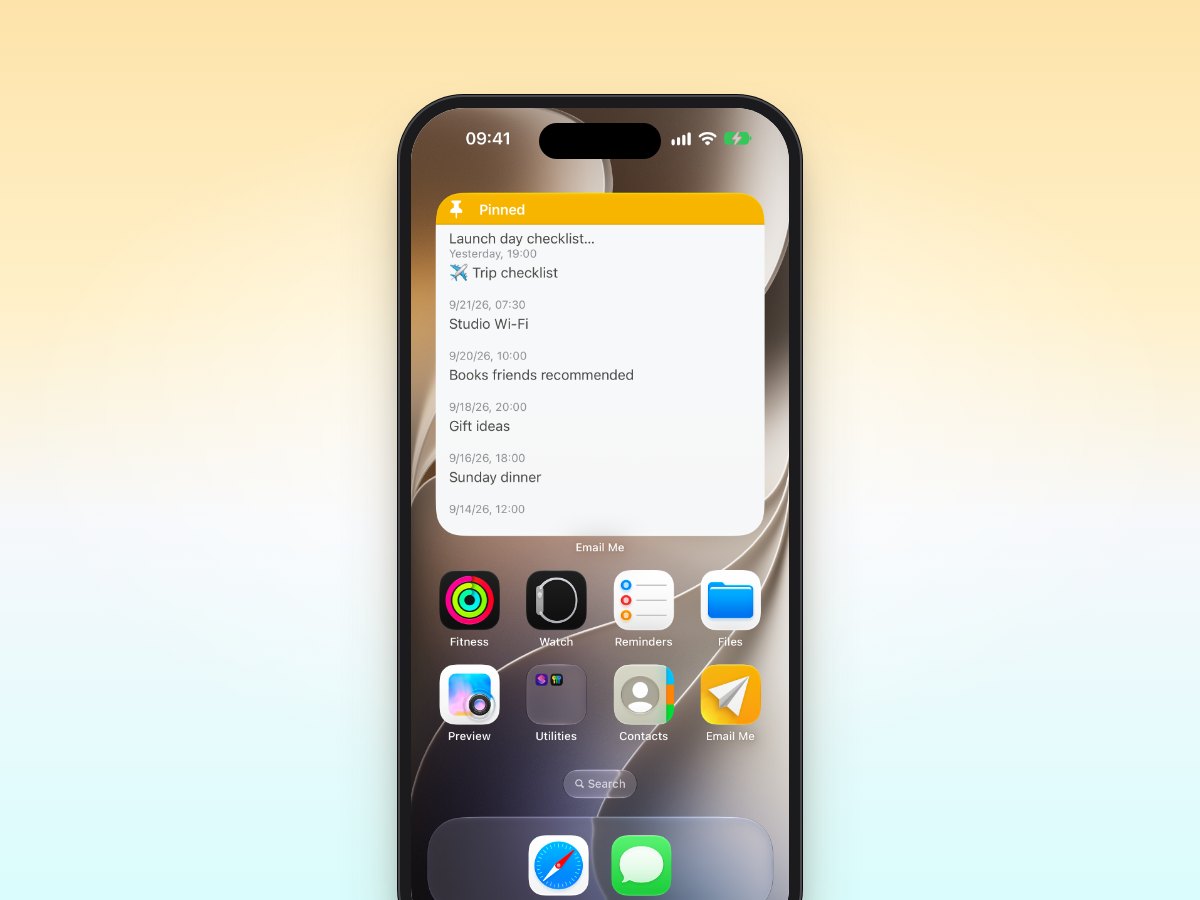
Email Me Widgets for Your iOS Home Screen
Transform your iOS home screen with Email Me widgets - the fastest way to capture thoughts and send emails to yourself. Streamline your digital workflow today.
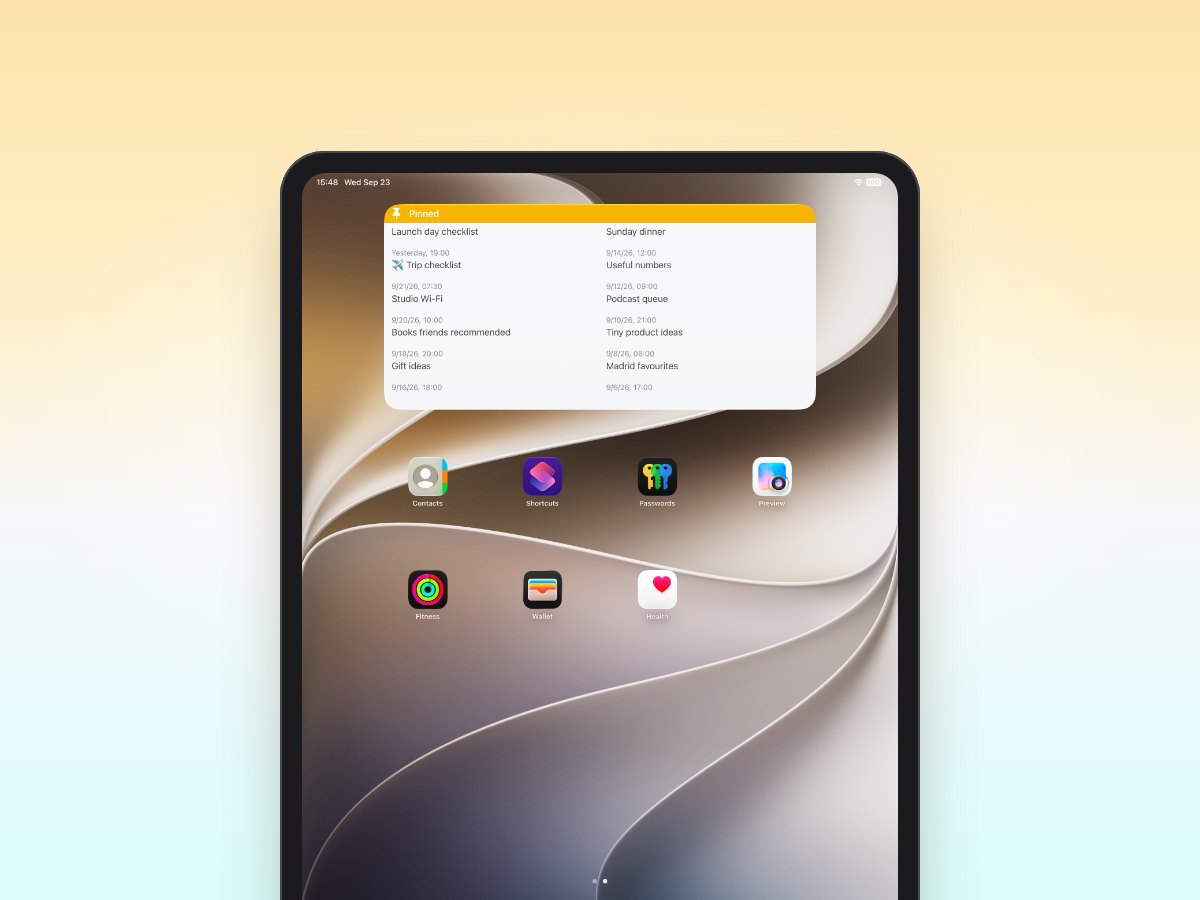
Build Your Second Brain with Email Me App
Transform your inbox into a powerful second brain with Email Me App. Capture thoughts instantly and build your personal knowledge base on any device.
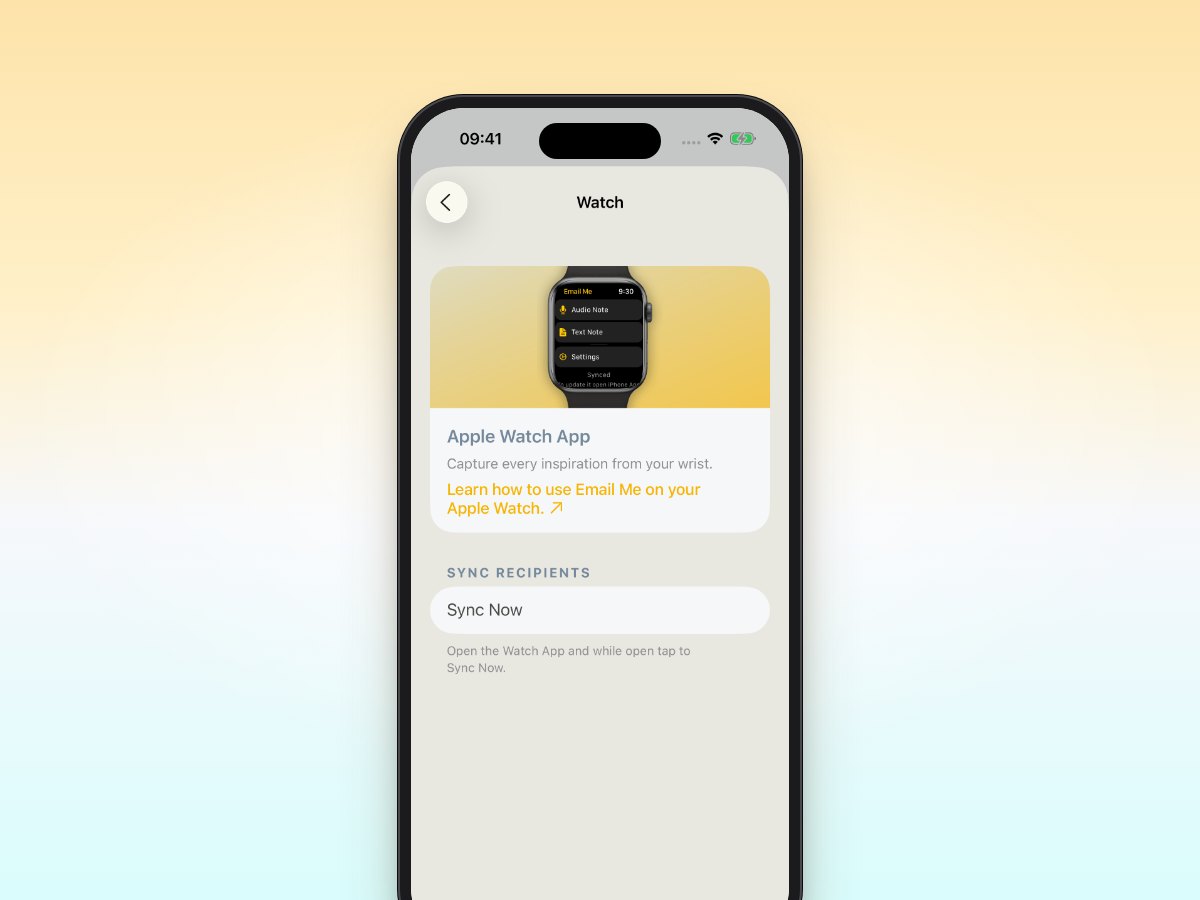
Quick Notes on Apple Watch: The Email Me Way
Transform your Apple Watch into a quick note-taking powerhouse with Email Me. Capture and send notes to your inbox instantly with just a tap.
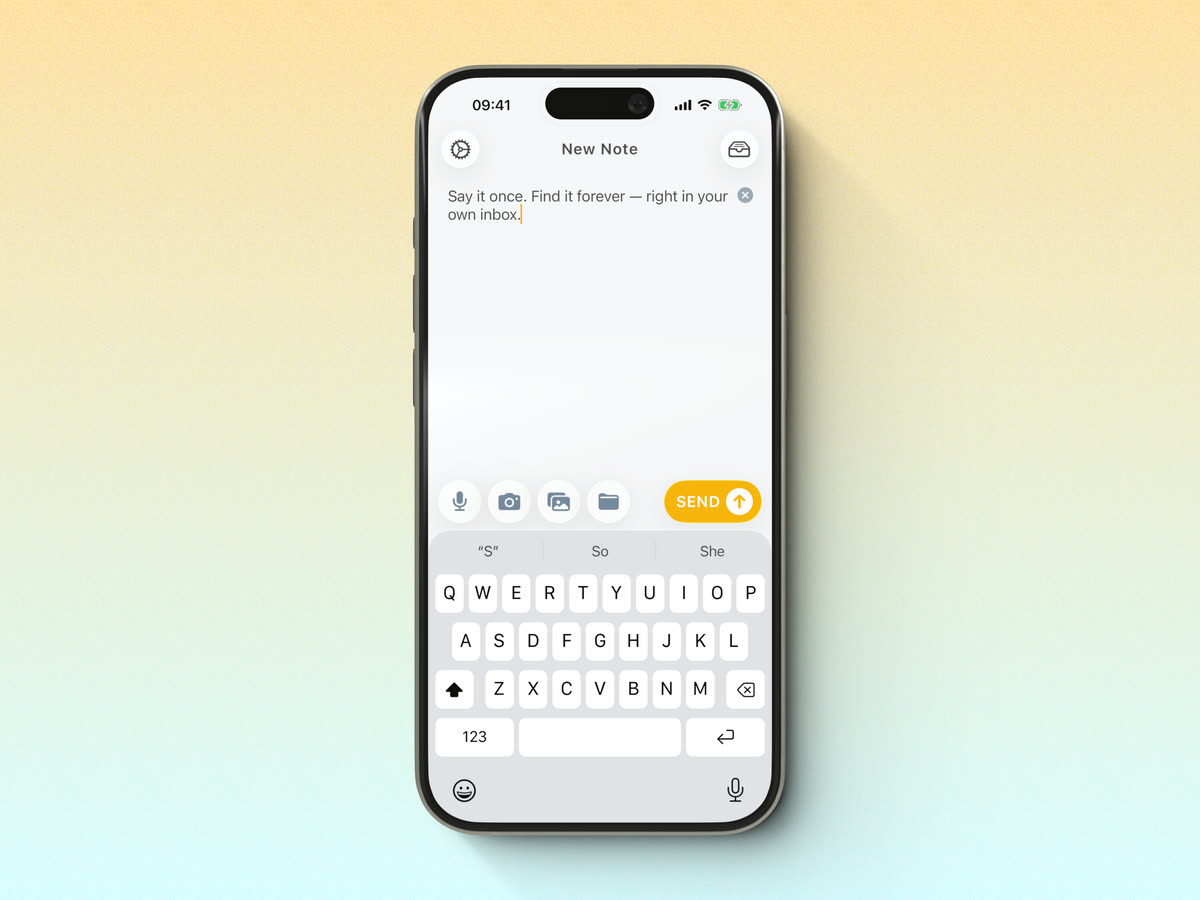
Voice to Email: Turn Voice Notes Into Emails
Say it and it lands in your inbox: how Email Me turns a voice note into a transcribed email, with Siri or a single tap.
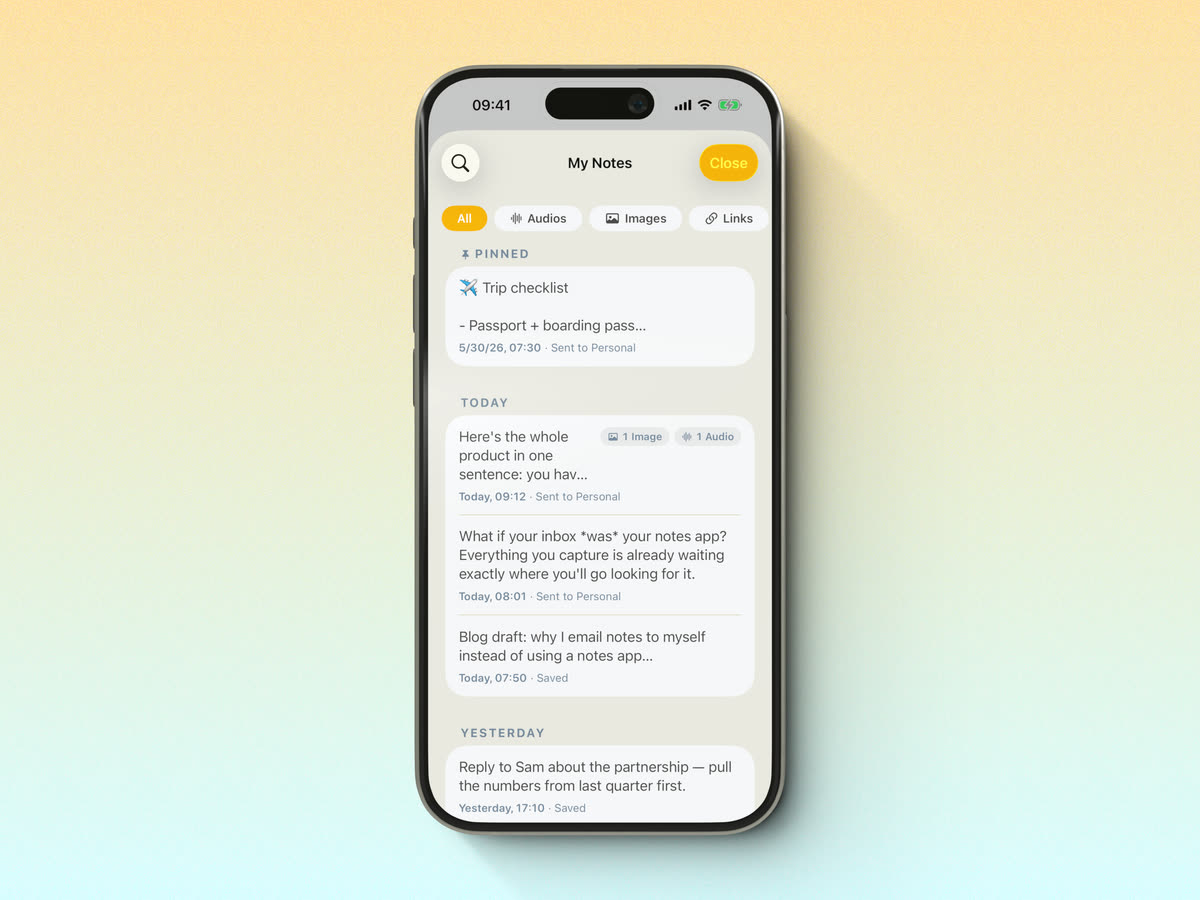
The GTD Inbox Method with Email Me App
Master GTD methodology & reach Inbox Zero with Email Me app. The fastest way to capture thoughts and process your inbox on iPhone, iPad & Mac.
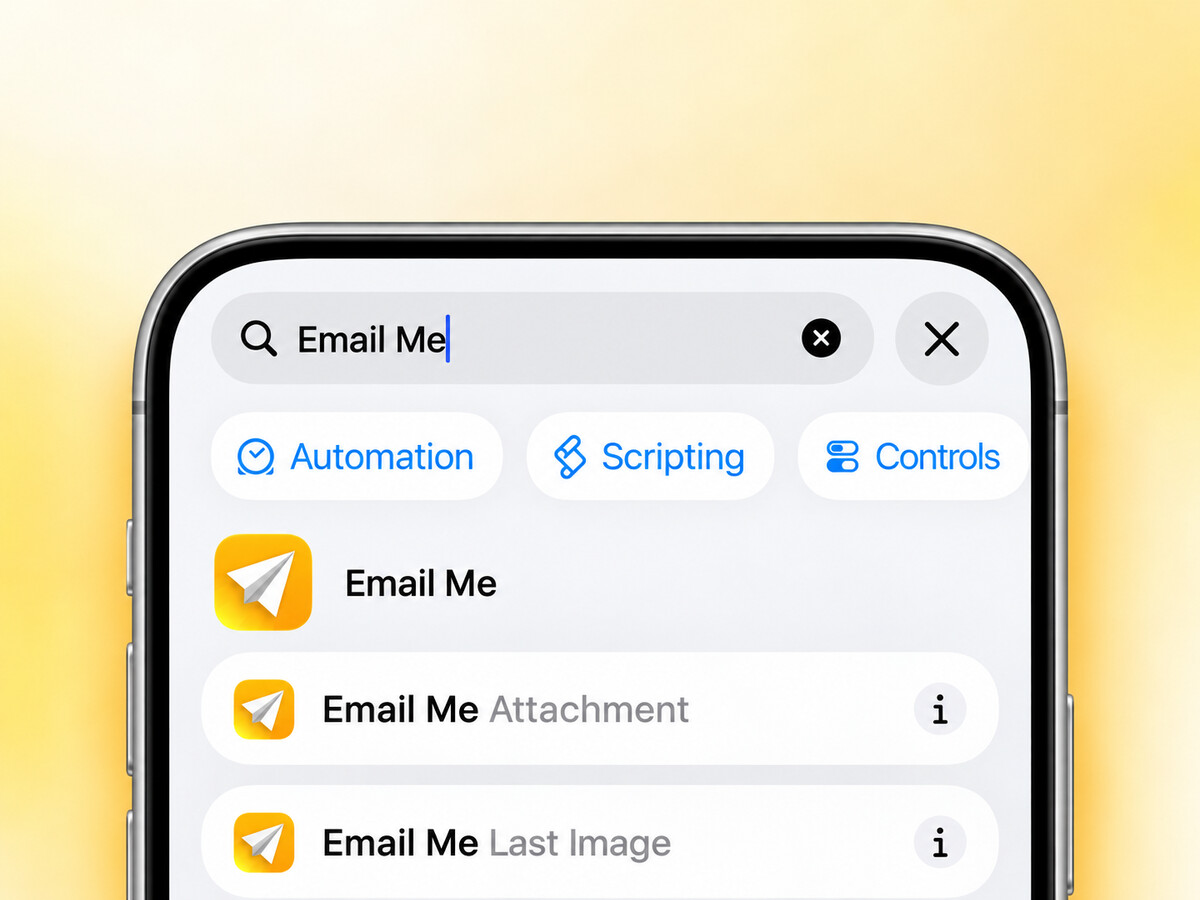
How to Email a Video From iPhone (Even Large Ones)
Email a video from your iPhone in a few taps. What to do when it's too big: Mail Drop, iCloud links, and a one-tap way to send it to yourself.
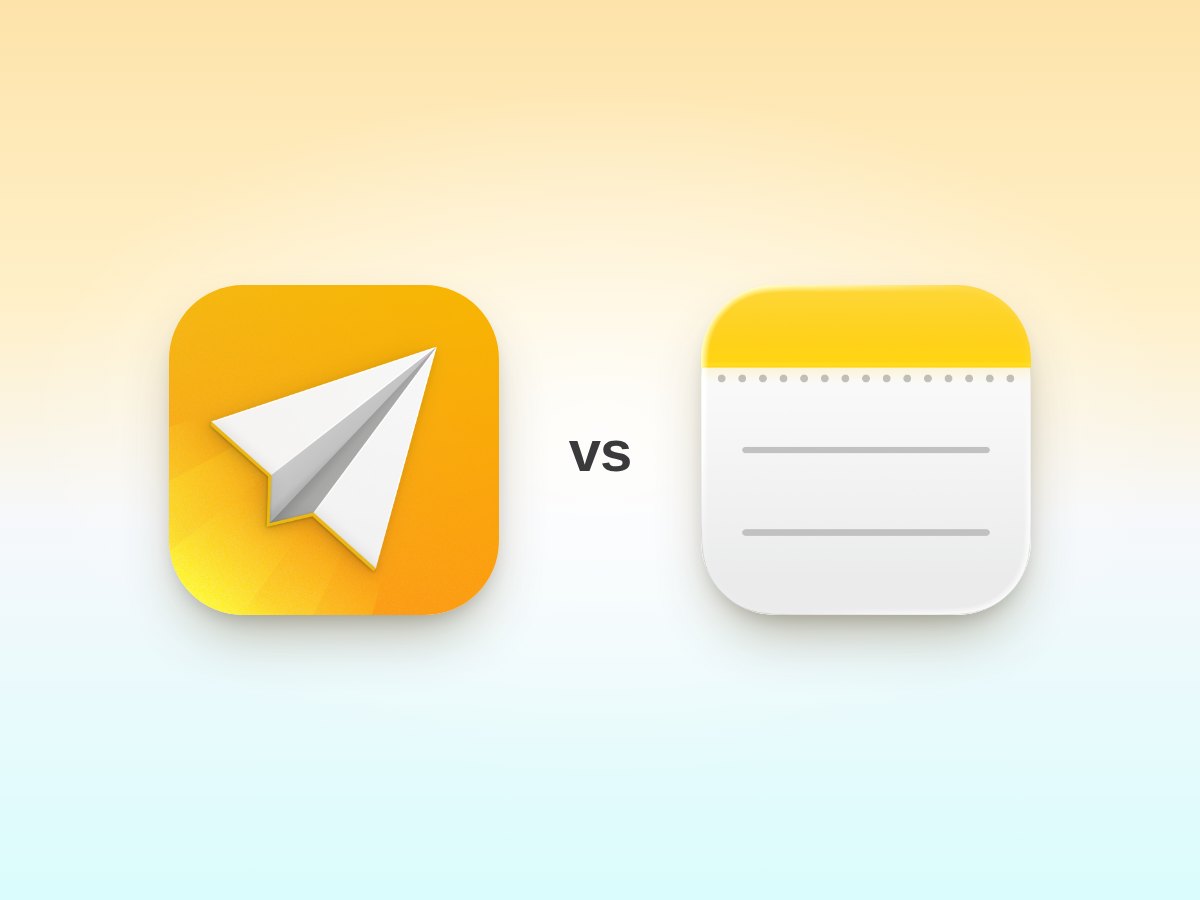
5 Ways Email Me Beats Traditional Note Apps
Discover why Email Me is the best note to self app for Apple devices. Email yourself notes instantly with one tap: faster and simpler than any note app.
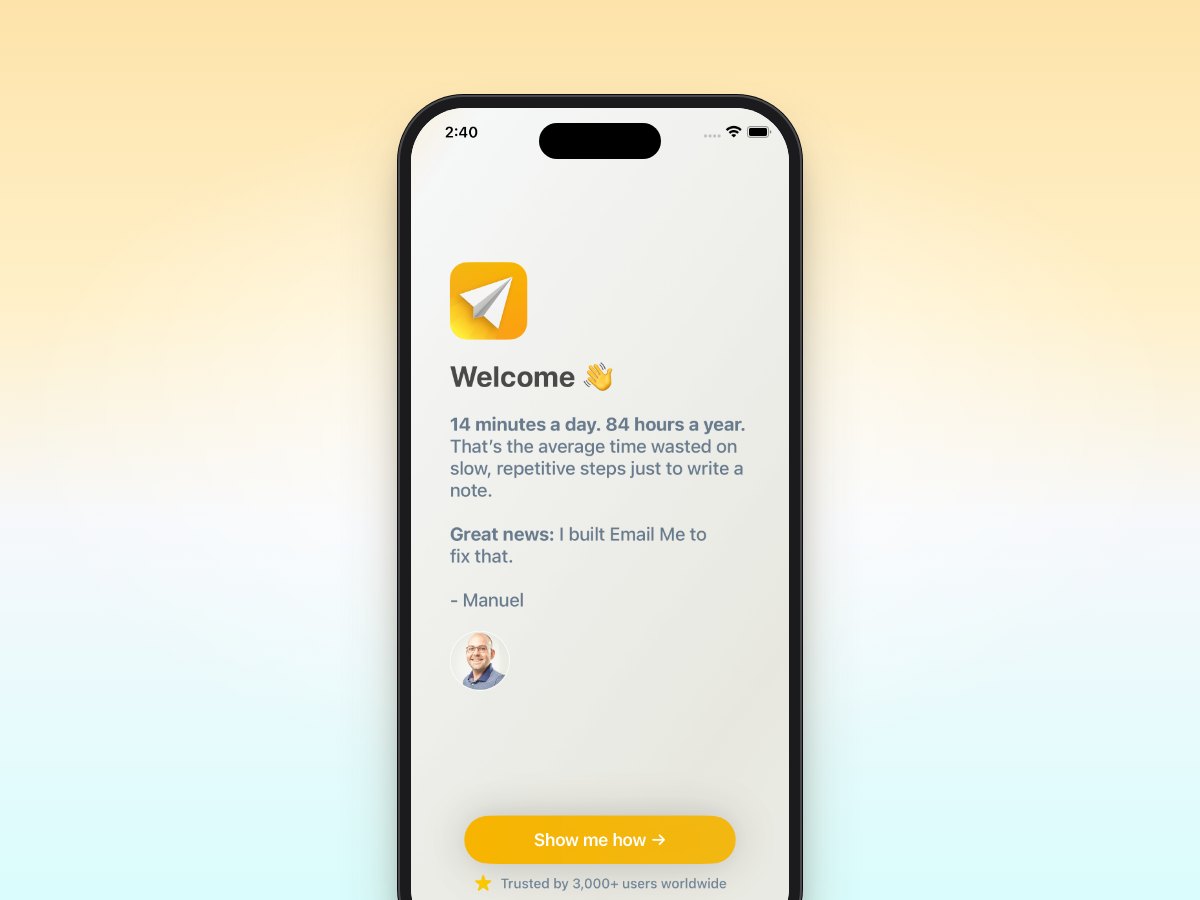
Can You Send an Email to Yourself? Yes, Here's How
Yes, you can email yourself from any email app. Here's the quick way on iPhone, iPad and Mac, what it's handy for, and how to do it in one tap.
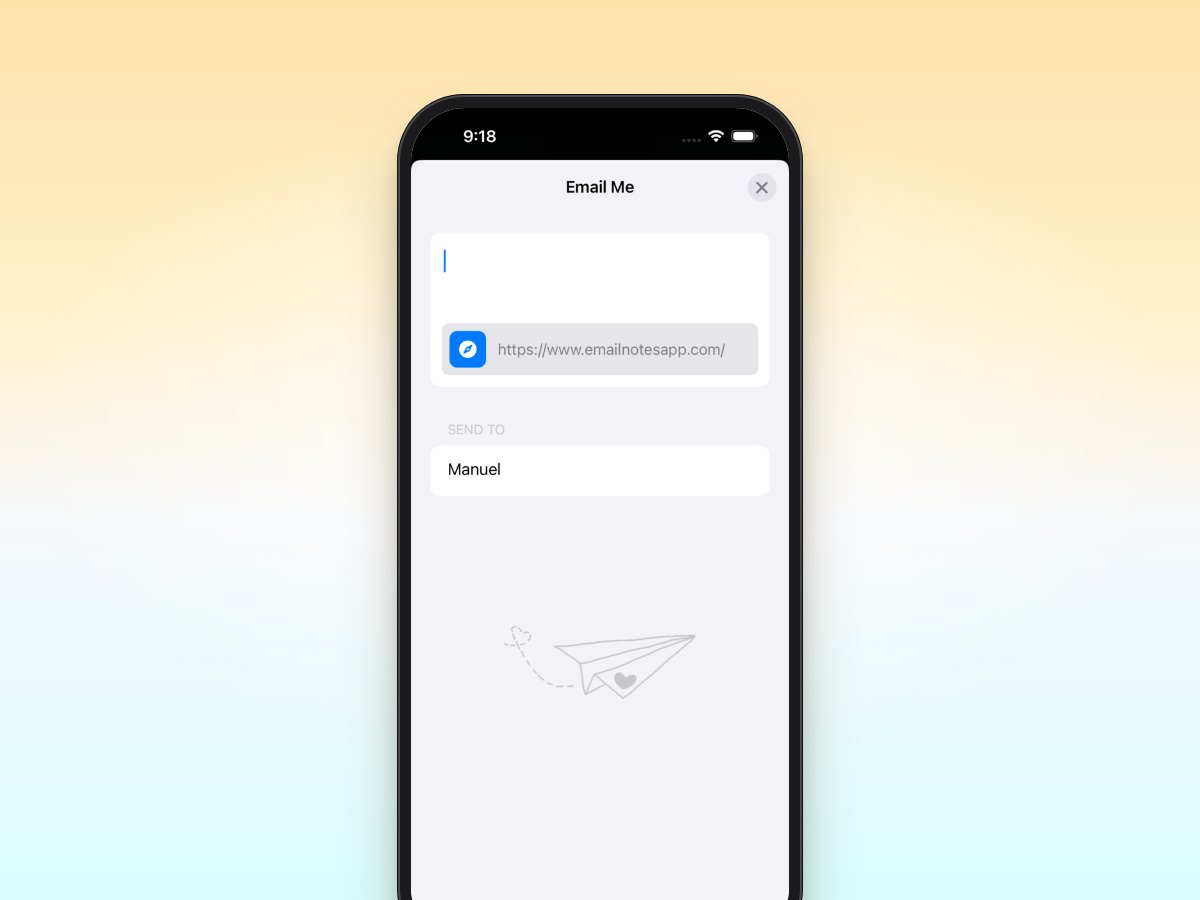
How to Email Bookmarks to Myself
How to Email Bookmarks to Myself - Learn how Email Me App helps you capture notes instantly on iPhone, iPad, Mac & Apple Watch.
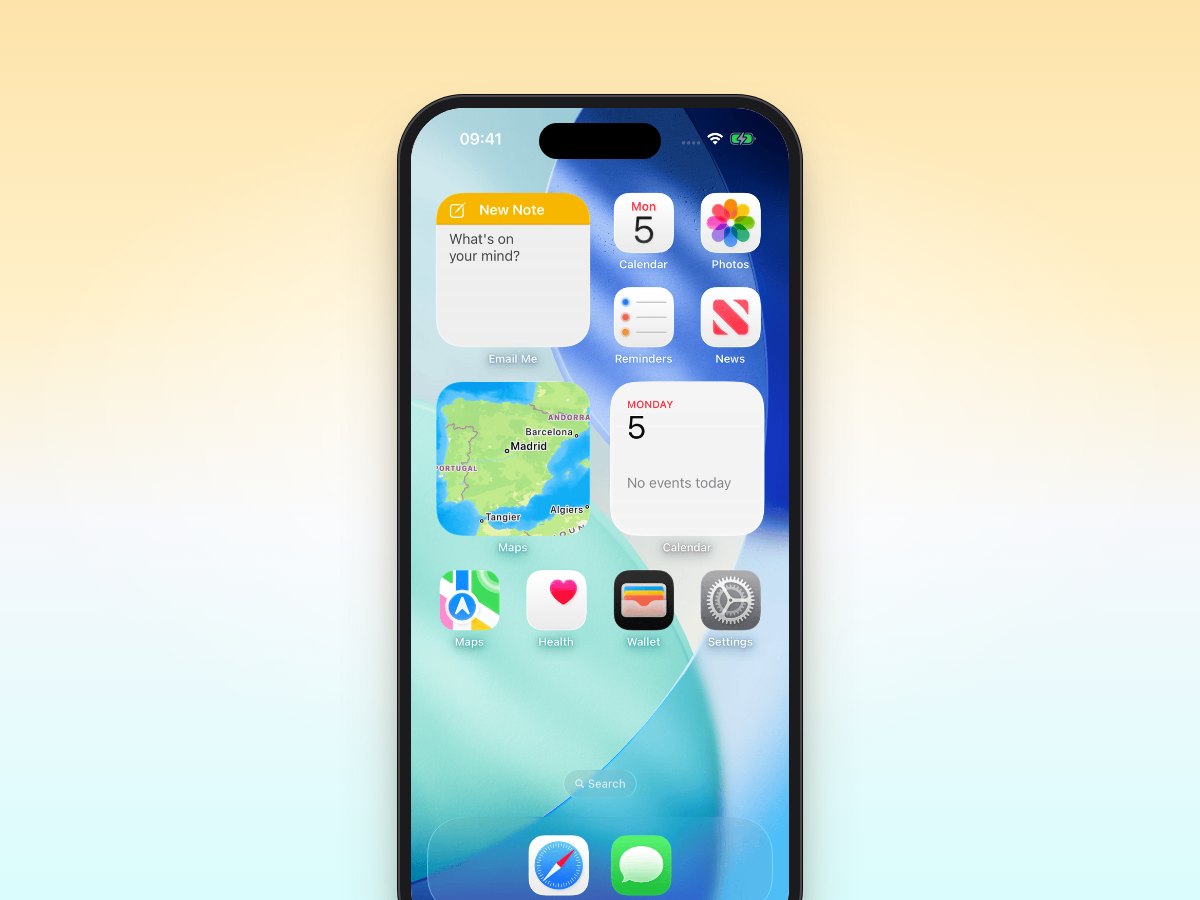
How to Send Quick Emails Fast
Send quick emails fast with Email Me App. Most people lose 14 minutes a day to slow note-taking: save up to 84 hours a year with one-tap capture, free.
Is Voice-to-Text Faster Than Typing? Tested
Voice-to-text is faster than typing: 3.2x for short messages in my tests. Speeds, accuracy and when typing still wins, side by side.
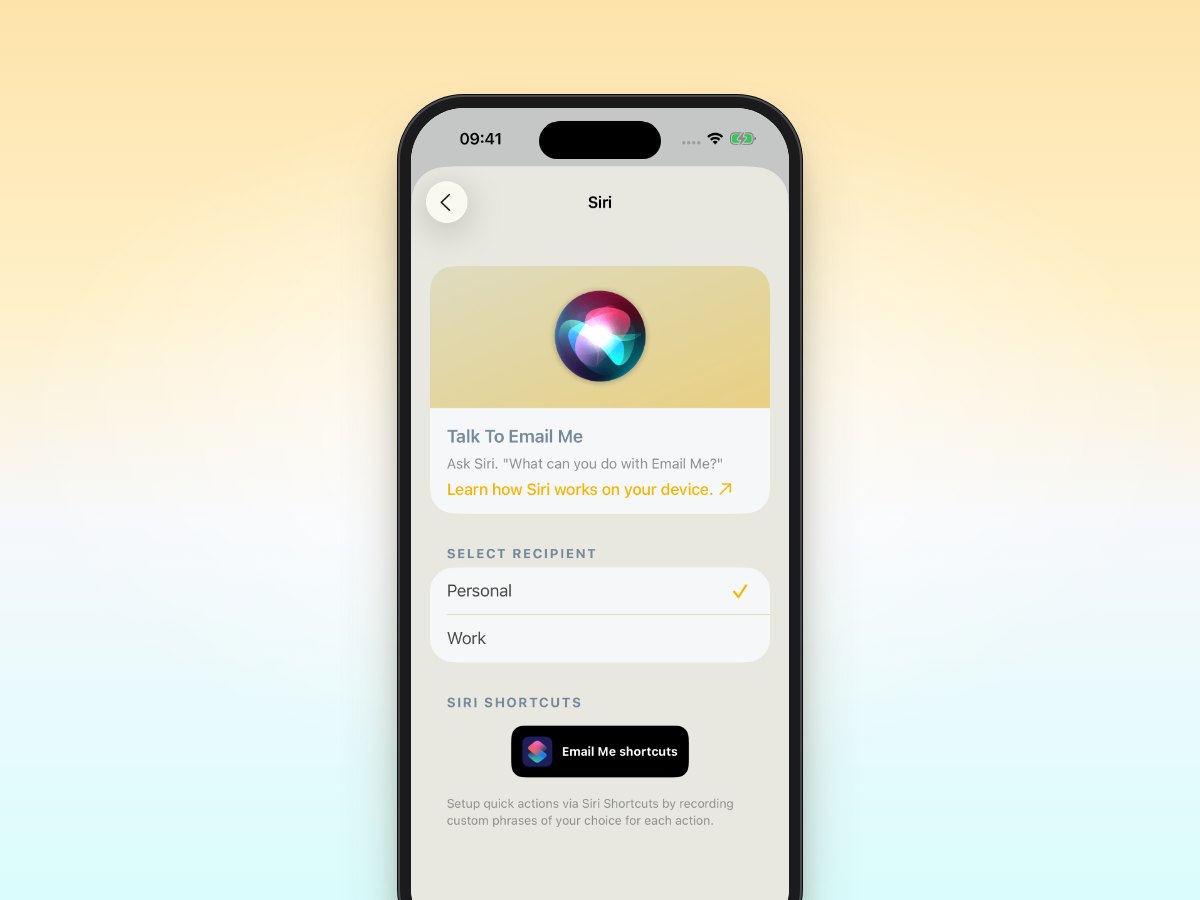
Email Yourself Reminders Without Typing
How to email yourself reminders without typing: use voice dictation, Siri, and one-tap capture with Email Me. Speak a note, get it in your inbox. Free app.
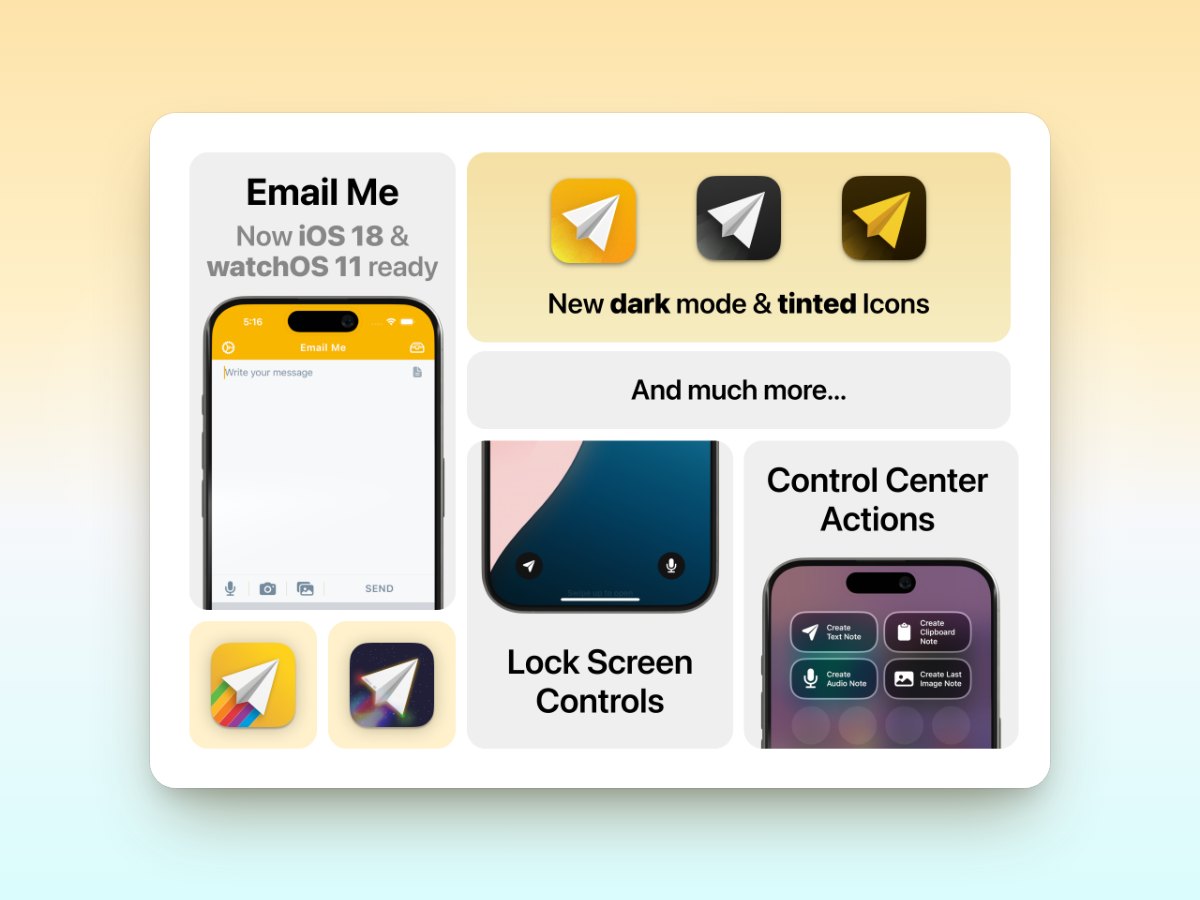
Email Me iOS 18: Control Center and More
Email Me's iOS 18 update adds Control Center actions, Lock Screen widgets, and new app icons, making it even faster to capture notes on your iPhone.
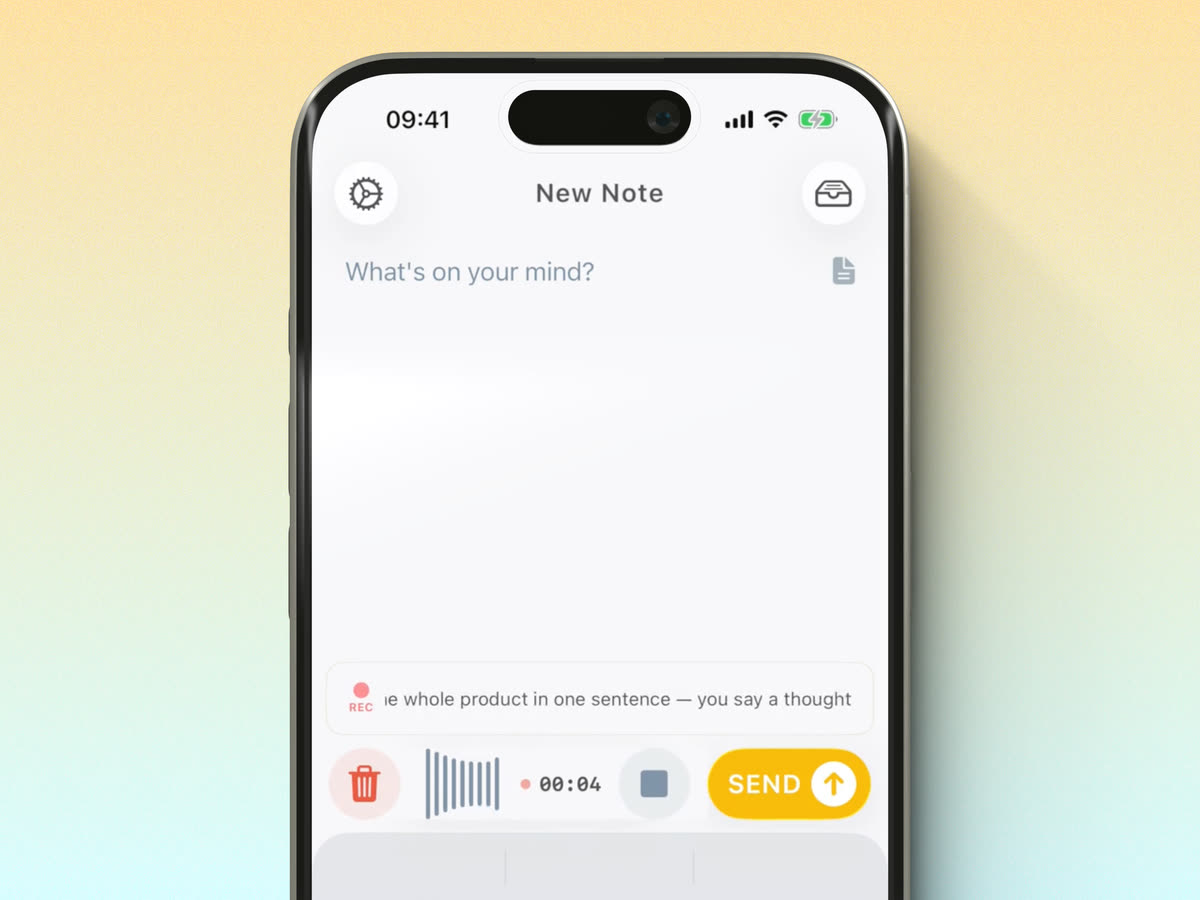
How to Record Voice Notes on iPhone (2 Ways)
Two ways to record voice notes on iPhone: the built-in Voice Memos app, or Email Me, which transcribes with AI and emails the note to your inbox. Free app.
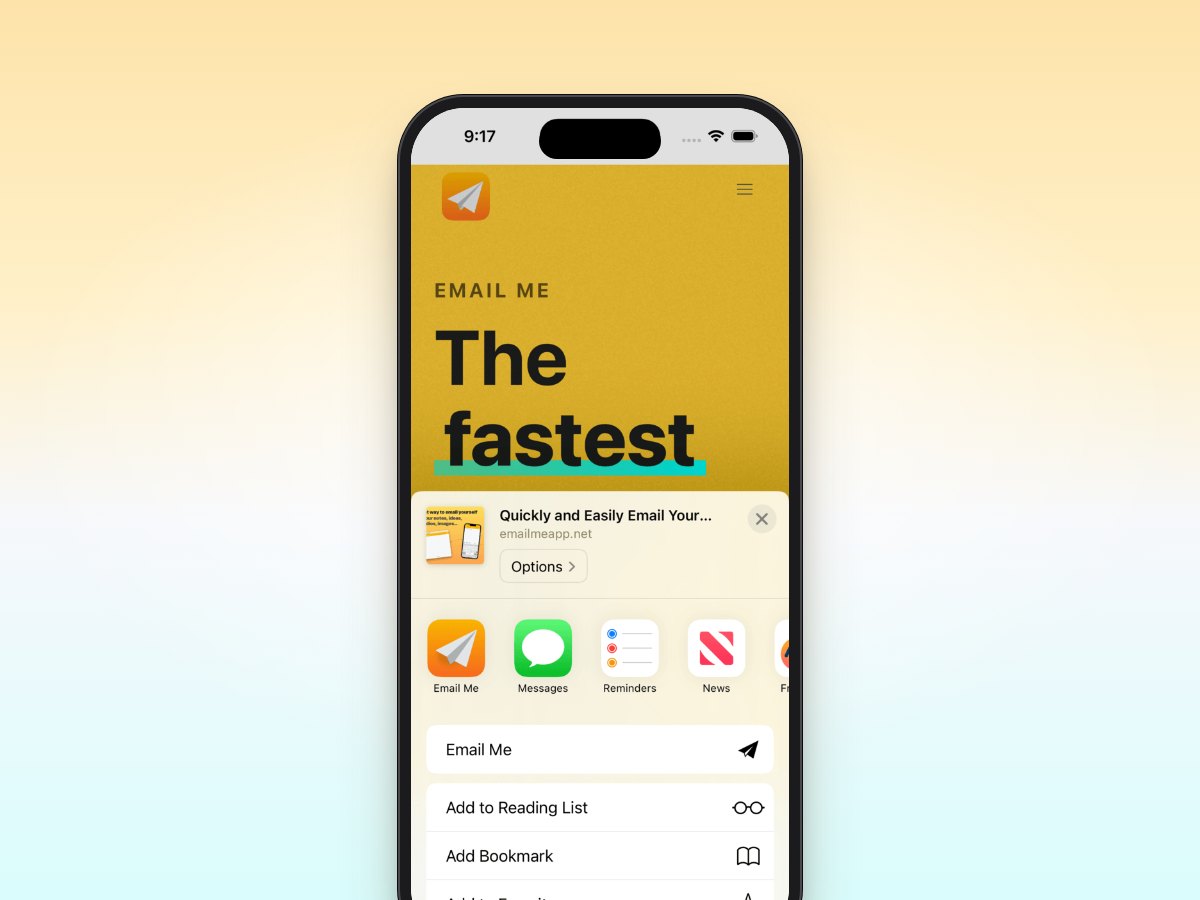
How to Add Email Me to the iOS Share Sheet
Add Email Me to your iOS share sheet to send photos, links, and files to your inbox from any app in two taps. Quick setup guide with screenshots.
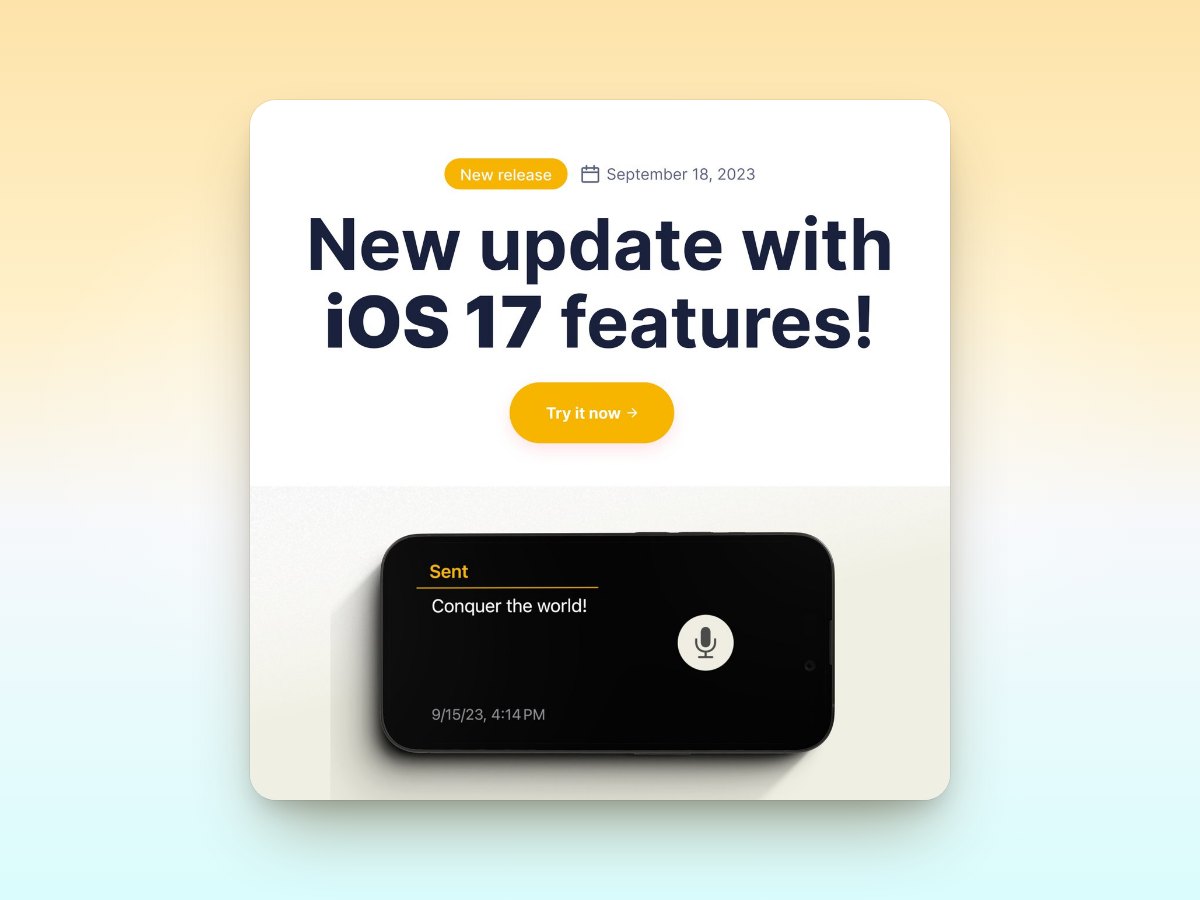
Email Me iOS 17: Spotlight, StandBy and More
Email Me's iOS 17 update brings Spotlight widgets, StandBy mode, and enhanced note-taking so you can capture ideas even faster on iPhone and iPad.
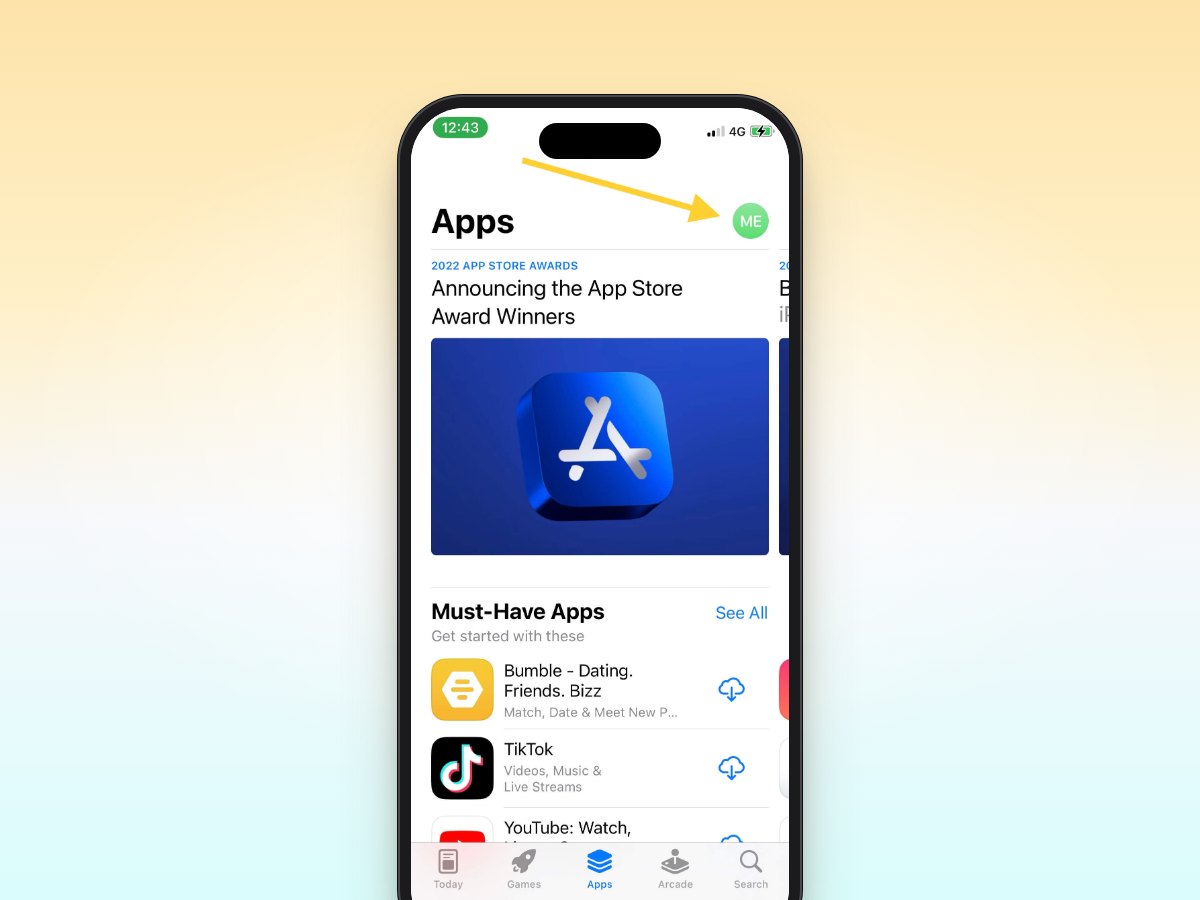
How to Redeem iOS Promo Codes (App Store)
How to redeem an iOS promo code on iPhone, iPad, or Mac: step-by-step App Store instructions with screenshots, plus how to claim free app codes.
Gmail SMTP Settings for Email Me App
Gmail SMTP settings for Email Me App: the exact server, port, and app password steps to send notes from your own Gmail address in minutes.
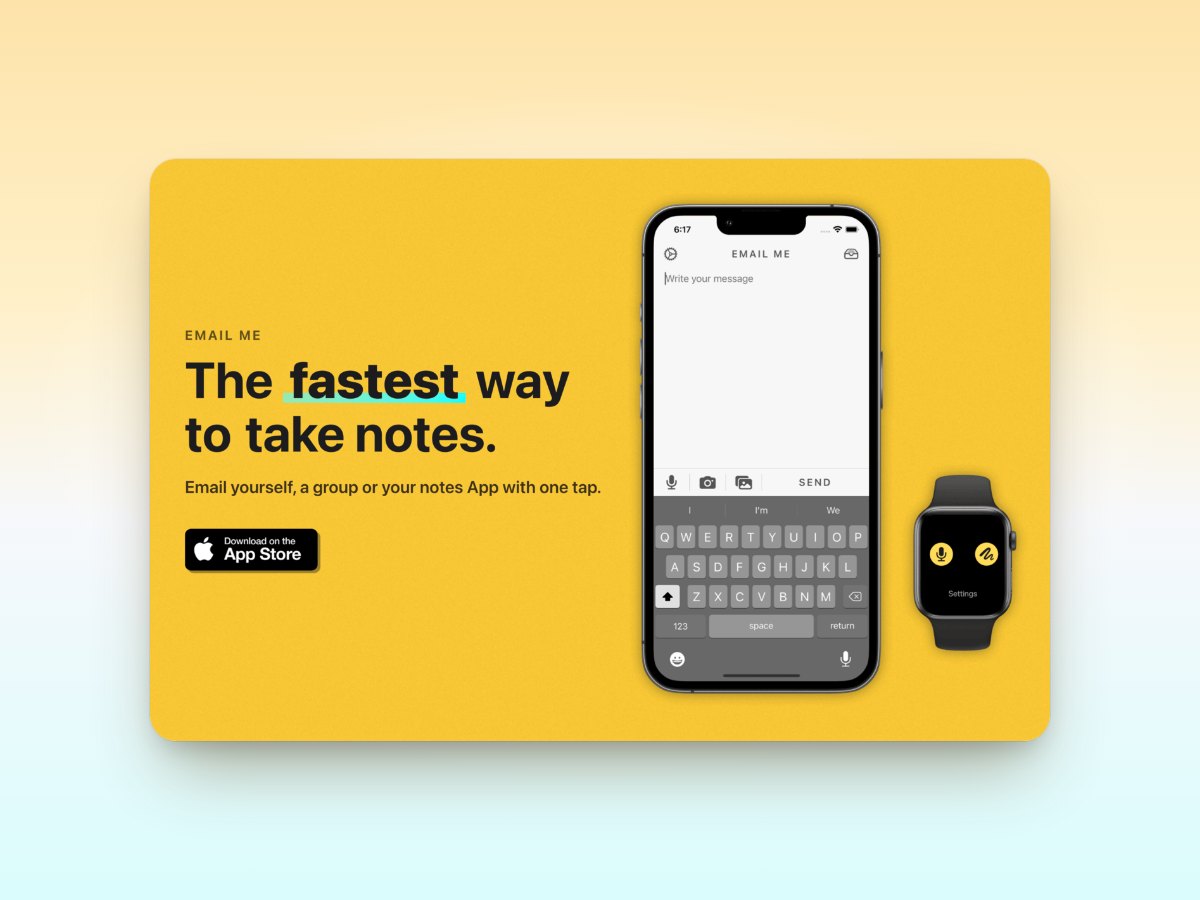
New Email Me App Website
Email Me App has a brand-new website. Explore the redesigned emailmeapp.net, see what the free note-to-inbox app can do, and share your feedback.
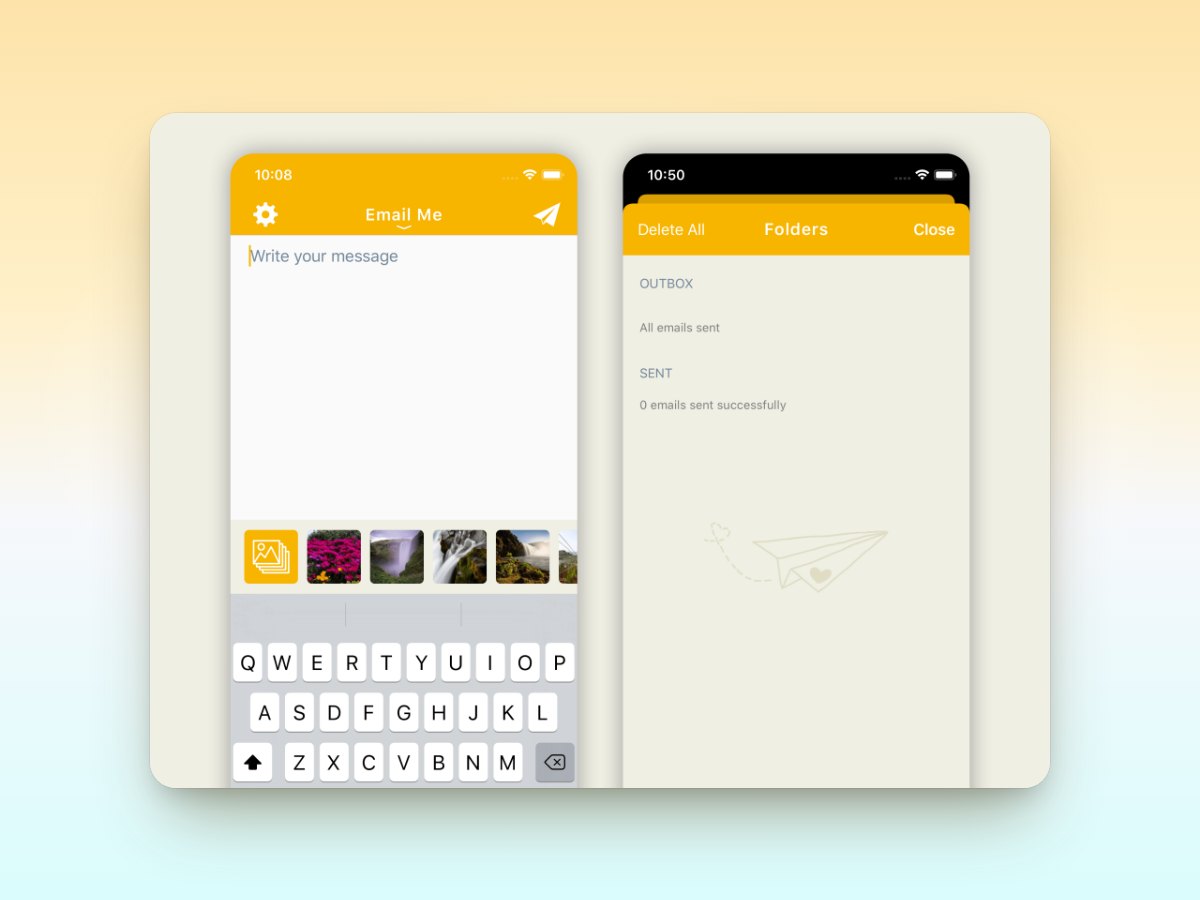
Introducing Folders and SMTP Configurations
Email Me App introduces Folders and custom SMTP configurations: organize your notes into folders and send emails from your own address, free on iOS.
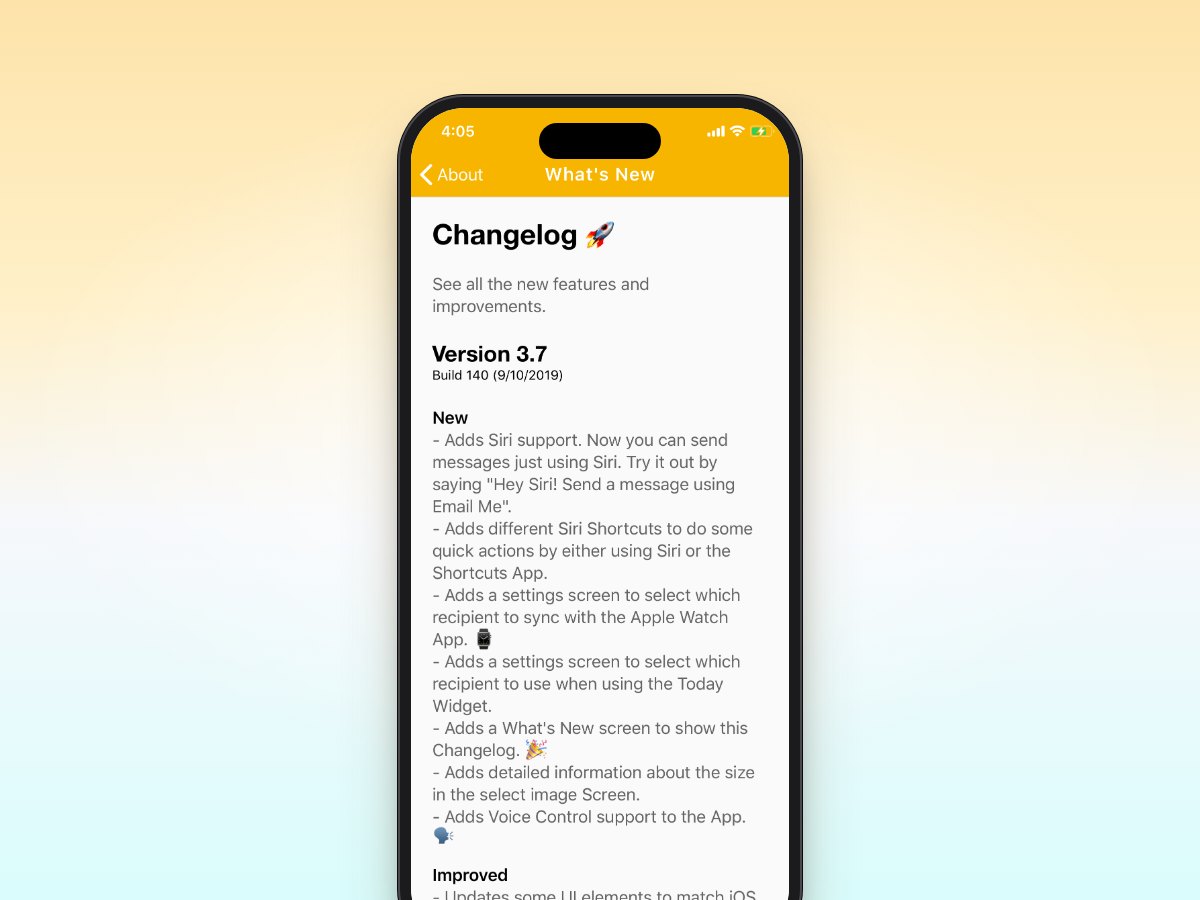
Updating the App for iOS 13
Email Me App is updated for iOS 13 with automatic Dark Mode, VoiceOver accessibility, and Siri Shortcuts: send yourself notes hands-free with the free app.
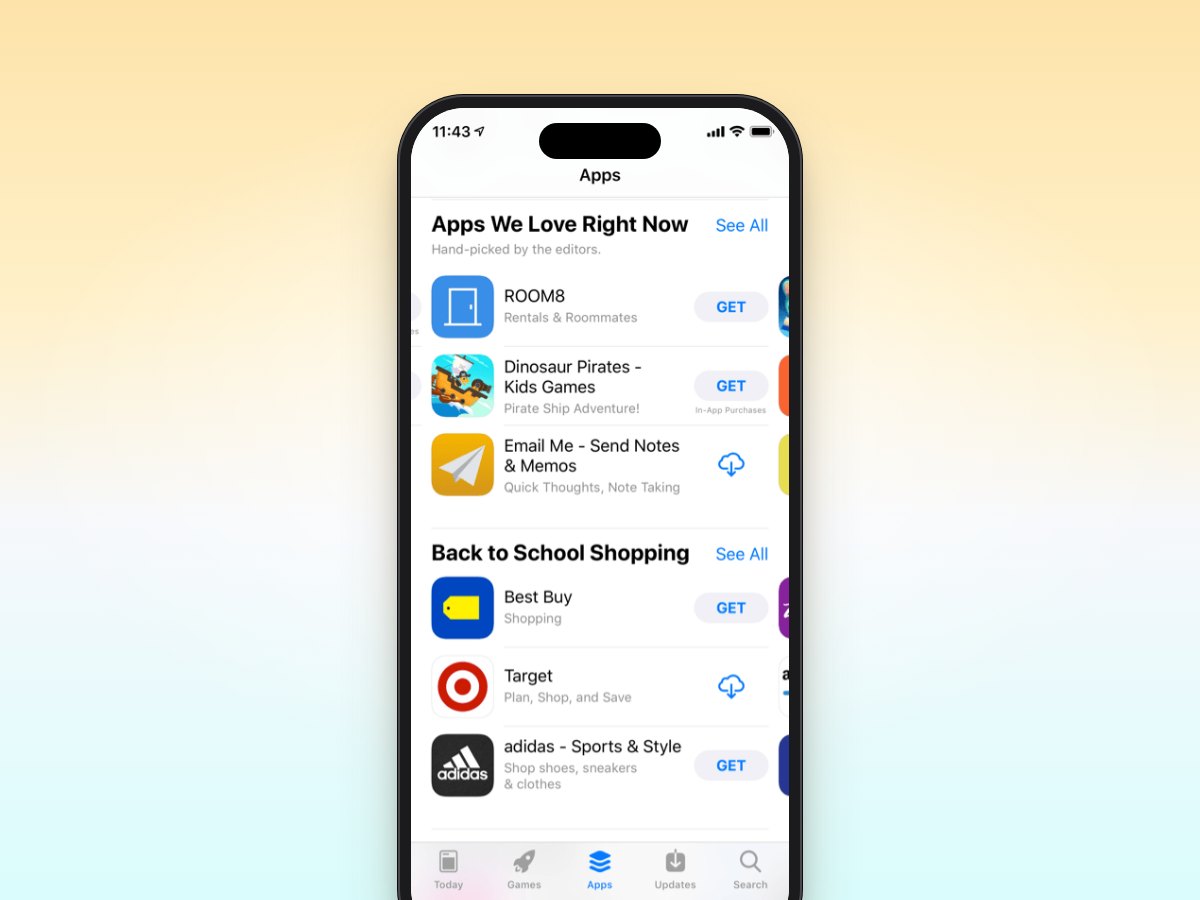
Email Me App Featured on the App Store
Email Me App is being featured on the App Store, and I couldn't be more excited. Here's a big thank you to everyone using the free note-taking app.
Introducing Email Me
The story behind Email Me App, a productivity app built for fast, reliable note-taking and reminders.