Your Notes, with Room to Breathe on iPhone Duo
A look at Email Me on iPhone Duo's cover and inner displays, with app screenshots, a fold video and the version that introduced the new layout.
Updates
 October 19, 2026 by Manuel Escrig · 2 min read
October 19, 2026 by Manuel Escrig · 2 min readMost of my notes begin as something I do not want to forget: a place to visit, a useful link, or a thought that arrives while I am doing something else. I want Email Me to stay quick on iPhone Duo's cover screen, and to feel comfortable when I open the phone and have more room.
The iPhone Duo layout was added in version 7.11.0. This short video shows the change from the cover to the inner display. The notes in the screenshots are examples.
Find a note, then give it more space
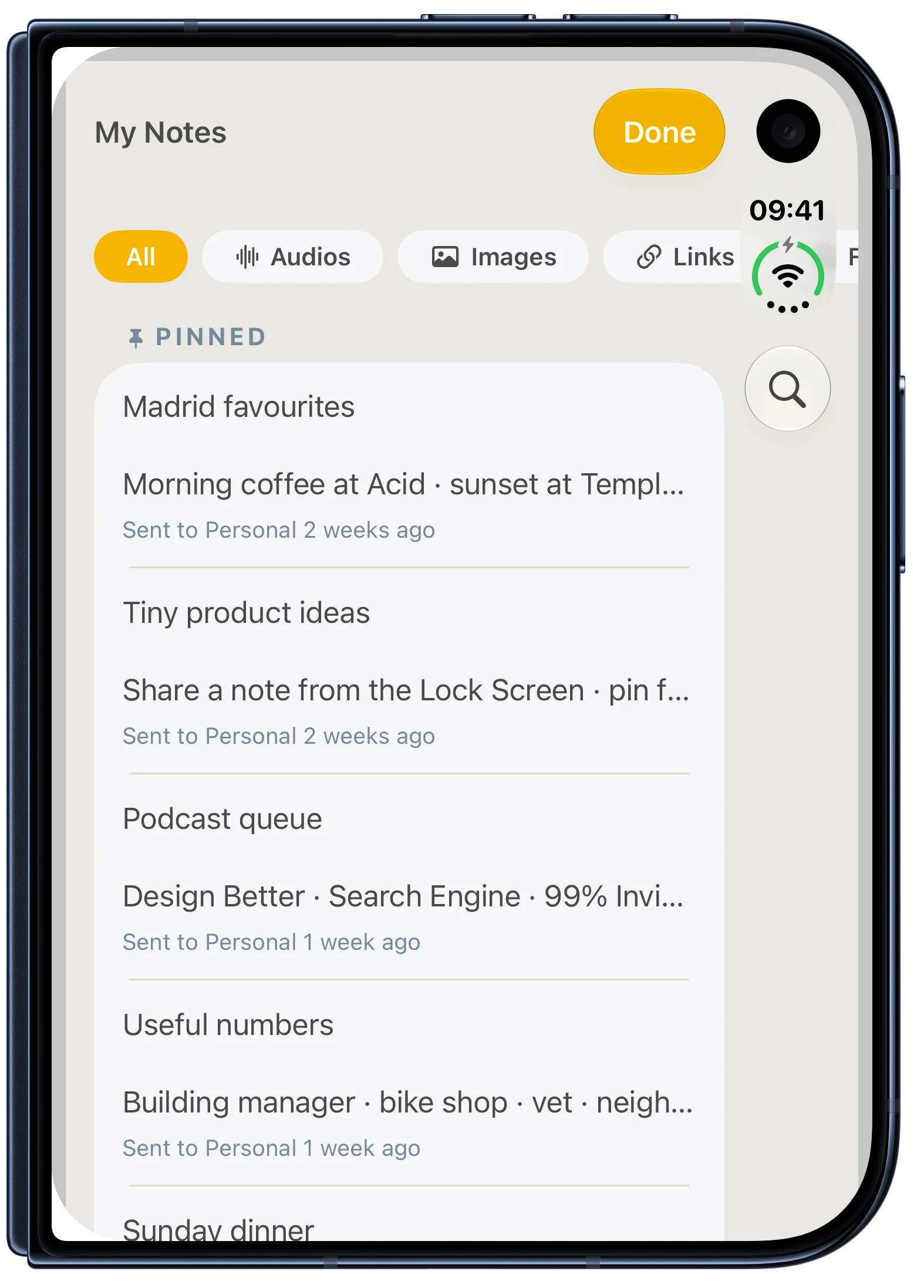
On the cover screen, My Notes keeps search, filters and pinned notes close to hand. You can get back to a thought without remembering which email it landed in.
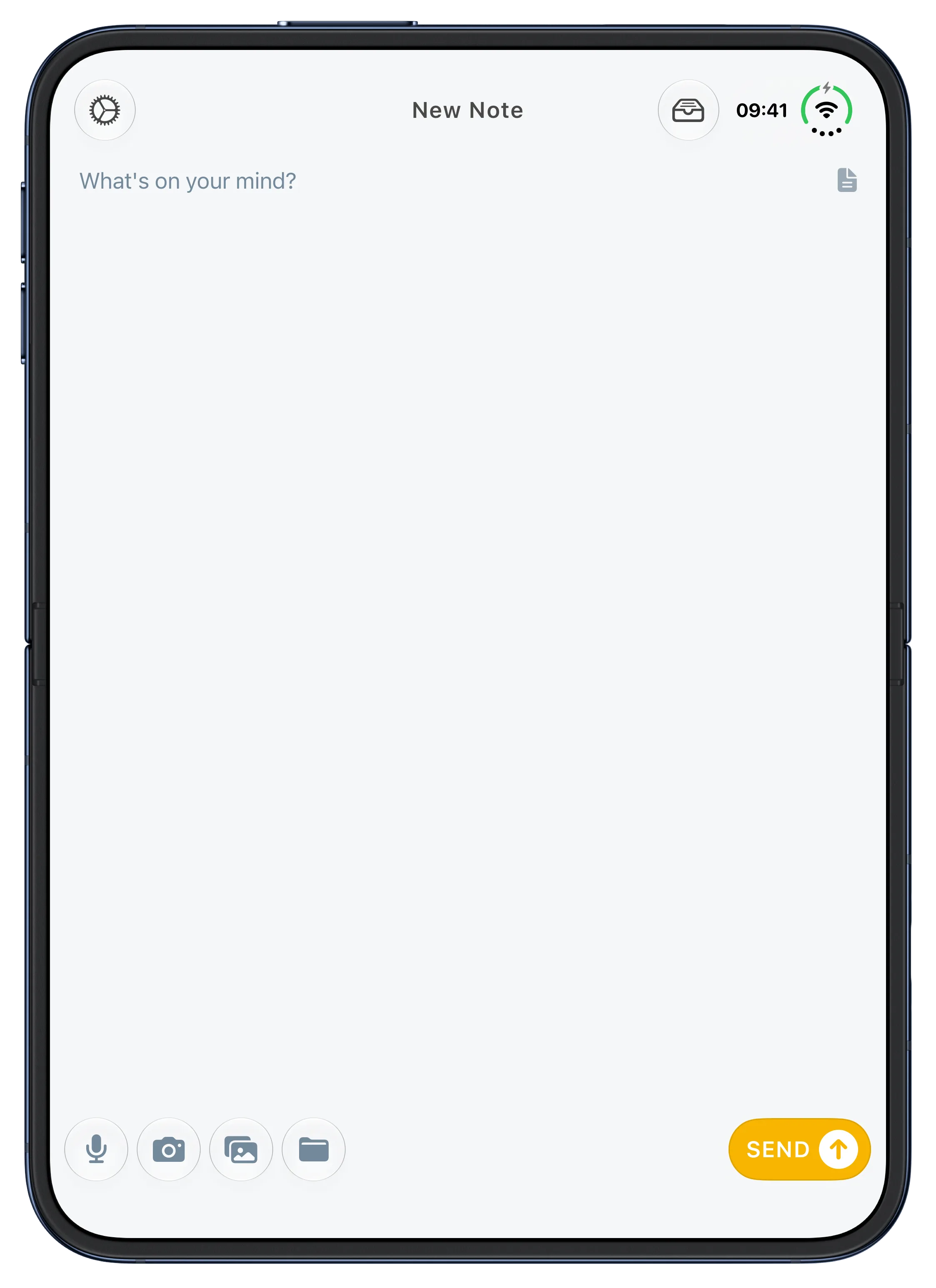
Open the phone and composing a new note gets more room. The text, recording controls and send button remain easy to reach. It is still the same small action: write or say it, then send it to your inbox.
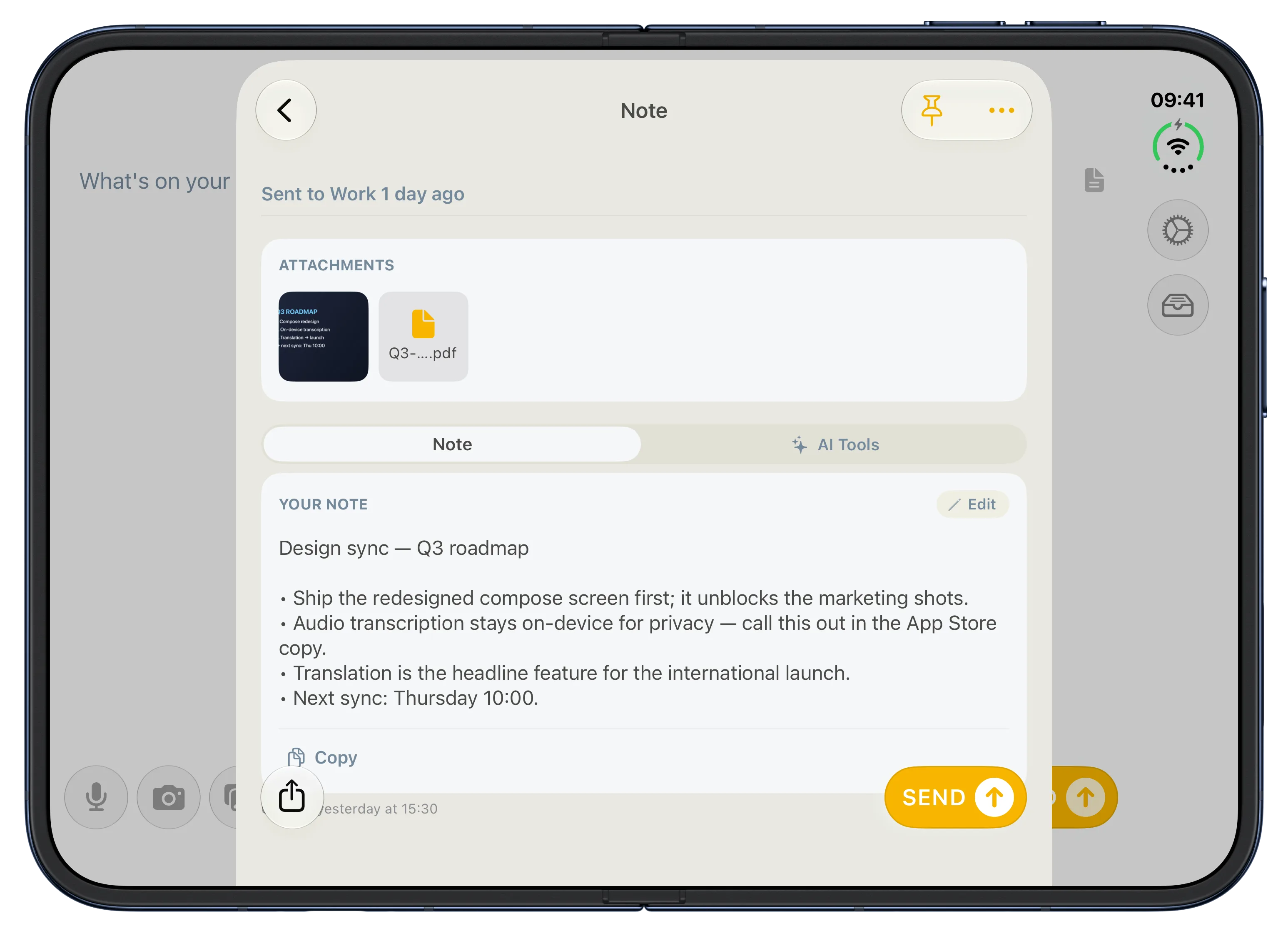
The open display also gives a saved note and its attachments room to sit together.
For press: Download the iPhone Duo screenshot pack. It has ten app screens, each with and without device bezels.
Thank you for using Email Me to hold on to your ideas. I build this app on my own, and your messages, reviews and support help me keep making it better. It means a lot that something I made has a place in your day.
Manuel Escrig
 Share on Facebook
|
Share on Facebook
|
 Share on X