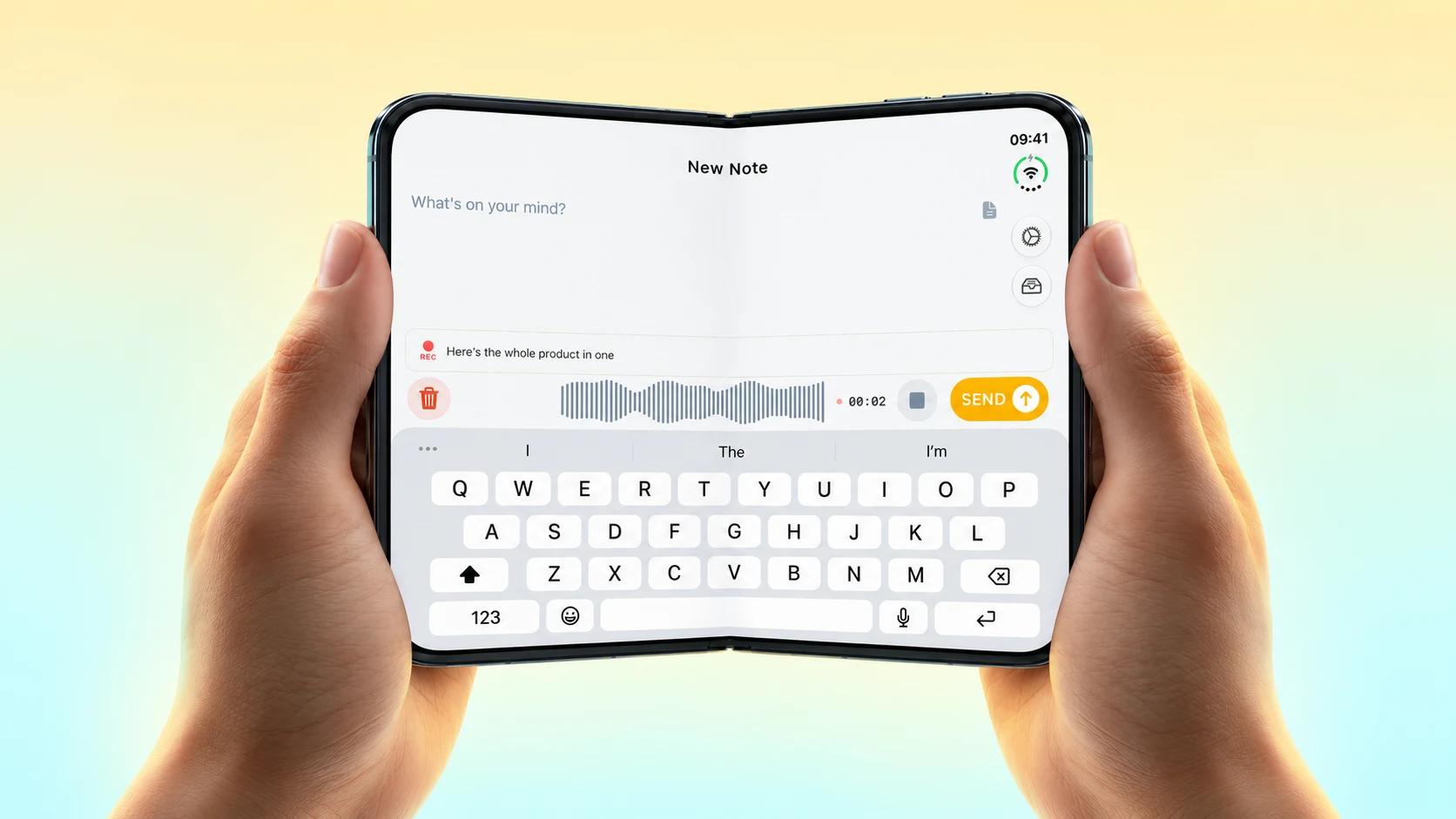
We've all been there: that brilliant idea strikes while you're on a subway, or you remember an important task during a flight, but there's no internet connection to capture it. Losing valuable thoughts due to poor connectivity is frustrating, which is why we're excited to announce Email Me's robust offline support.
Never Miss a Beat, Even Offline
The latest version of Email Me ensures your thoughts are safely captured, regardless of your internet connection. When you're offline, simply open the app and type your note as usual. The app automatically queues your message and sends it to your inbox once you're back online: no manual action required.
Where Offline Mode Helps
1. Travel
Whether you're flying cross-country or commuting through subway tunnels, Email Me keeps working. Jot down travel expenses, meeting notes, or sudden inspirations without worrying about connectivity.
2. Remote Locations
Heading to a cabin in the woods or attending an event in a basement with poor reception? Your notes are safely stored until you're back in range.
3. International Travel
Avoid expensive roaming charges while still capturing important thoughts. Email Me will sync everything once you're connected to Wi-Fi.
Making the Most of Offline Mode
Here are some practical tips to maximize Email Me's offline capabilities:
- Use categories: Even offline, you can still categorize your notes (work, personal, ideas, etc.). They'll be properly sorted when they reach your inbox.
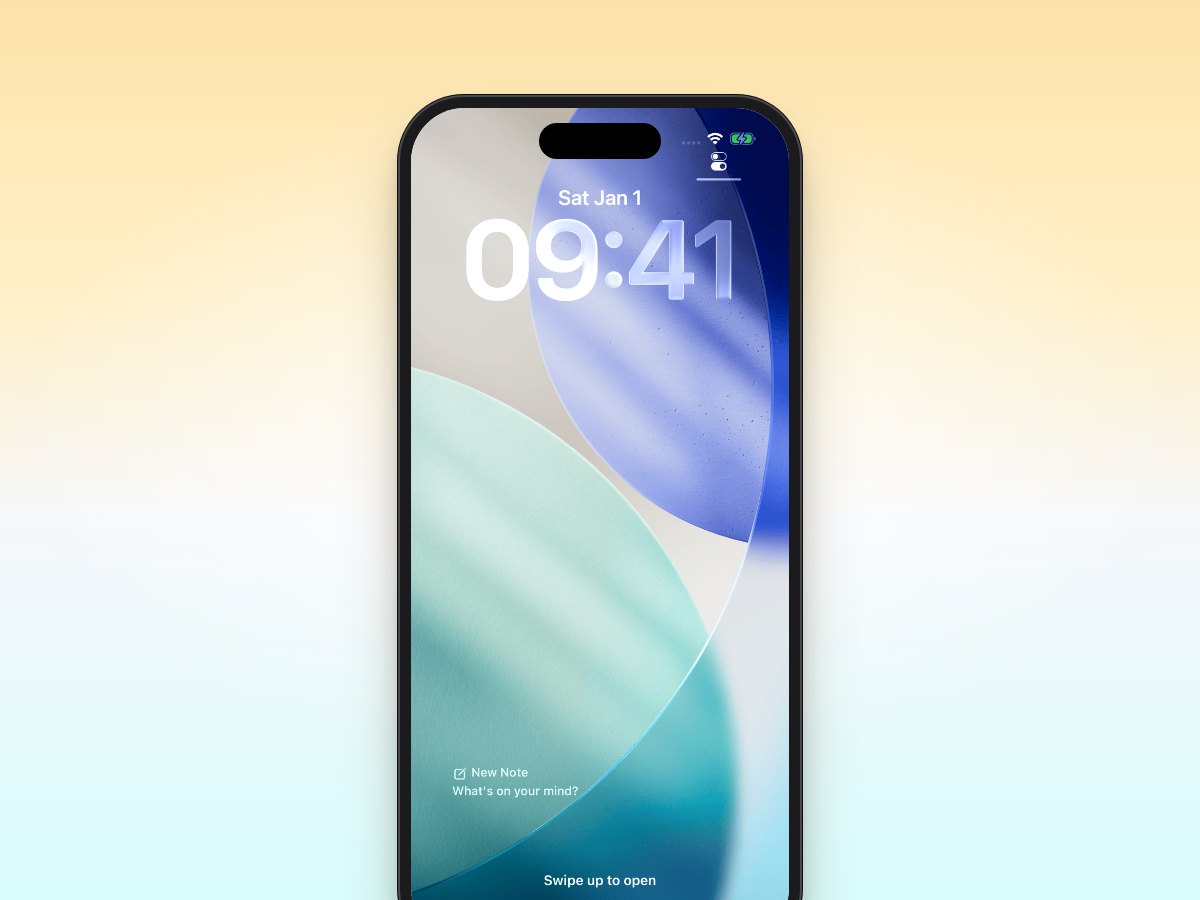
- Capture quickly: The app's widget remains functional offline, allowing for rapid note-taking without even opening the app.
- Preview drafts: Review your queued messages in the app before they're sent, ensuring everything is exactly as you want it.
Behind the Scenes
We've implemented smart queuing technology that:
- Maintains message order
- Preserves formatting and attachments
- Automatically retries sending if the first attempt fails
- Notifies you once messages are successfully delivered
Tips for Using Email Me Offline
- Before heading somewhere with poor connectivity, open Email Me once while online to ensure the latest app data is cached.
- Enable background app refresh for smoother syncing when you return online.
- Use "Mark Important" even offline: your priority notes will be highlighted when they reach your inbox.
Battery Life Considerations
Don't worry about offline mode draining your battery. We've optimized the app to use minimal resources while queuing messages, so you can continue capturing ideas throughout your day without significant battery impact.
What's Next?
We're continuously improving offline functionality based on user feedback. Coming soon:
- Offline attachment support
- Enhanced offline search
- Expanded offline formatting options
Stay Productive Anywhere
Email Me's offline support means you never have to choose between connectivity and productivity. Whether you're brainstorming on a plane, taking notes during a remote hiking trip, or simply dealing with spotty service, your thoughts are safely captured and ready to land in your inbox.
Ready to ensure you never lose another thought? Download Email Me from the App Store and experience worry-free note-taking, online or off. Our free version includes full offline support, with additional features available in Email Me Pro.
Have you used Email Me offline? We'd love to hear how it's helped you stay productive in challenging connectivity situations. Share your experience in the comments below!
Download Email Me on the App Store
Keep capturing those ideas! 💡
Manuel