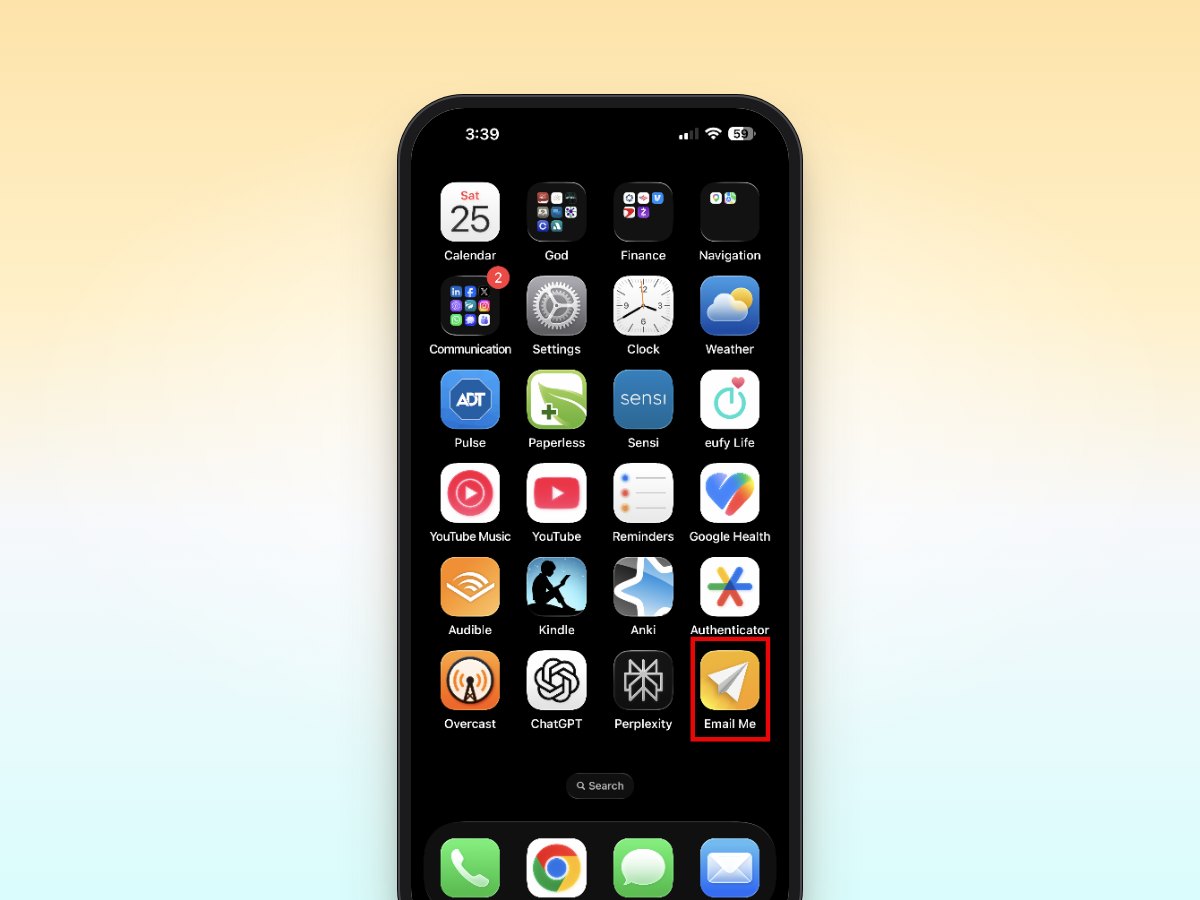
Ever find yourself scrambling to capture important details during a meeting? You're not alone. As professionals, we attend countless meetings, and keeping track of action items, decisions, and key points can be challenging. That's where Email Me comes in: a streamlined solution that's transforming how busy professionals handle meeting notes.
The Meeting Notes Challenge
Traditional note-taking methods often fall short in professional settings. Opening your notes app, finding the right document, or fumbling with pen and paper can be distracting and time-consuming. Plus, there's the added step of organizing and sharing these notes later.
Why Email Me is Your New Meeting Notes App
Email Me offers a refreshingly simple approach: capture thoughts instantly and send them straight to your inbox with just a tap. Here's how professionals are using it to maximize their meeting efficiency:
Quick Capture During Discussions
- Jot down action items as they come up
- Record important deadlines mentioned
- Note follow-up tasks without disrupting the flow
- Capture contact information or resources shared
The beauty lies in its simplicity: open the app, type your note, and tap send. Your meeting points are instantly delivered to your inbox, ready for review and action.
Real-World Example: Sarah's Strategy
Sarah, a project manager, uses Email Me throughout her day:
- 9:30 AM, client call: Quickly notes "Schedule follow-up with Marketing team re: Q2 campaign"
- 11:00 AM, team meeting: Captures "Update budget spreadsheet with new estimates"
- 2:00 PM, vendor discussion: Notes "Request updated proposal by Friday"
At day's end, all her action items are neatly organized in her email, ready for transfer to her task management system.
Pro Tips for Maximum Efficiency
1. Use Quick Templates
Create email templates for recurring meeting types. Start your note with "Action Items:" or "Follow-up:" for easy filtering later.
2. Implement Tags
Add hashtags like #urgent or #project-name to make your notes searchable in your email.
3. Time-Stamp Important Items
Include brief time references: "Due next Tuesday" or "Discuss in tomorrow's stand-up".
4. Format for Clarity
- Use simple bullet points or numbers to separate different items.
- Keep each email focused on one topic or meeting.
Advanced Features That Make a Difference
Email Me isn't just about quick notes. The app includes features specifically designed for professionals:
- Multiple email address support for different projects or roles
- Custom keyboard shortcuts for faster input
- Share extension for adding attachments or links
- Dark mode for late-night meetings
Integration with Your Workflow
The real power of Email Me comes from how seamlessly it fits into existing workflows. Your meeting notes automatically become part of your email system, making it easy to:
- Forward important points to team members
- Add notes to your task management system
- Create calendar events from action items
- Archive for future reference
Making the Most of Email Me
To maximize your efficiency with Email Me:
- Keep the app in your dock or home screen for quick access
- Set up email filters to organize incoming notes
- Review and process notes at set times during your day
- Use it consistently across all meetings for better organization
The Professional Edge
In today's fast-paced business environment, the ability to capture and act on information quickly is crucial. Email Me provides that edge, helping you stay focused on the conversation while ensuring nothing important slips through the cracks.
Ready to Transform Your Meeting Notes?
Download Email Me today and experience the difference it makes in your professional life. Available for iPhone, iPad, and Mac, it's the simple yet powerful tool you've been looking for to streamline your meeting note-taking process.
Remember: The best note-taking system is the one you'll actually use. Email Me's straightforward approach makes it not just another app, but an essential part of your professional toolkit.
Thank you for reading!
All the best,
Manuel