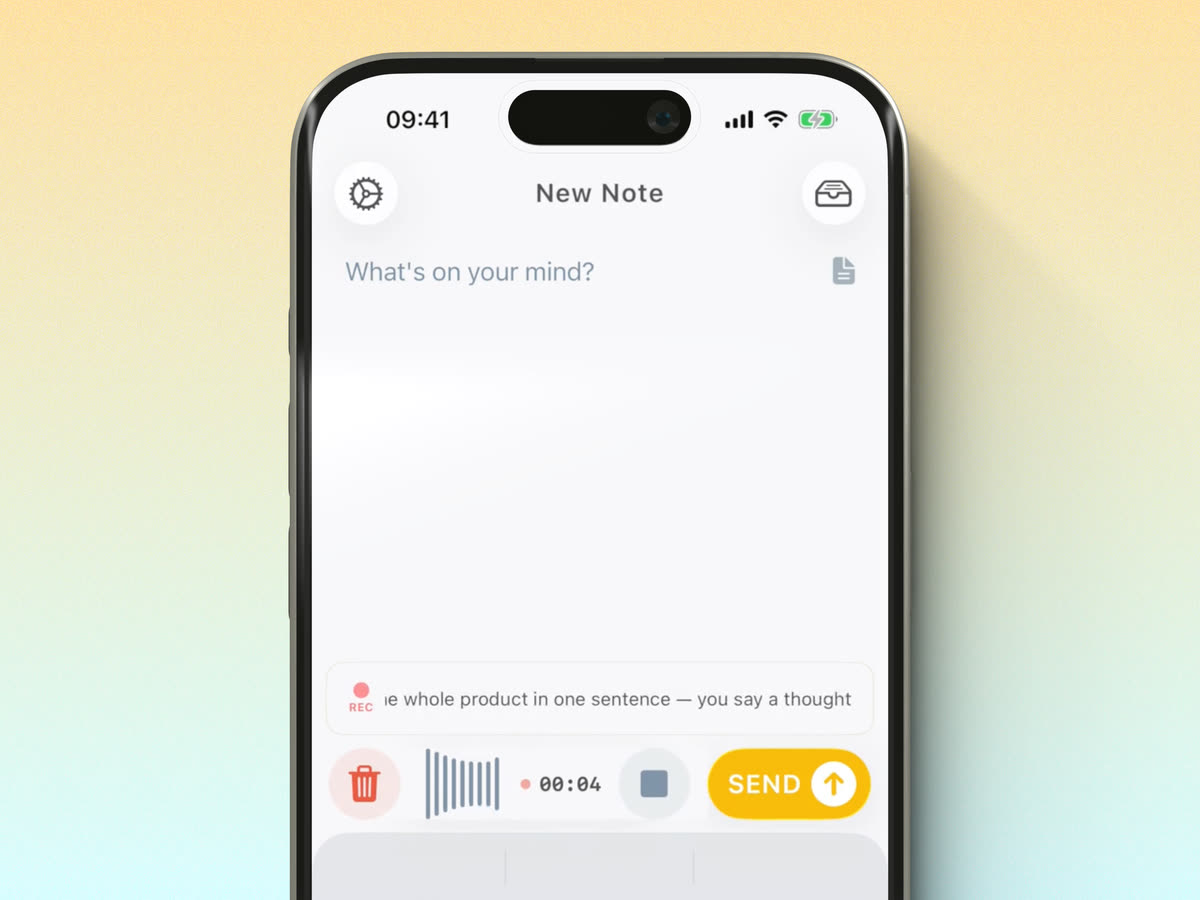
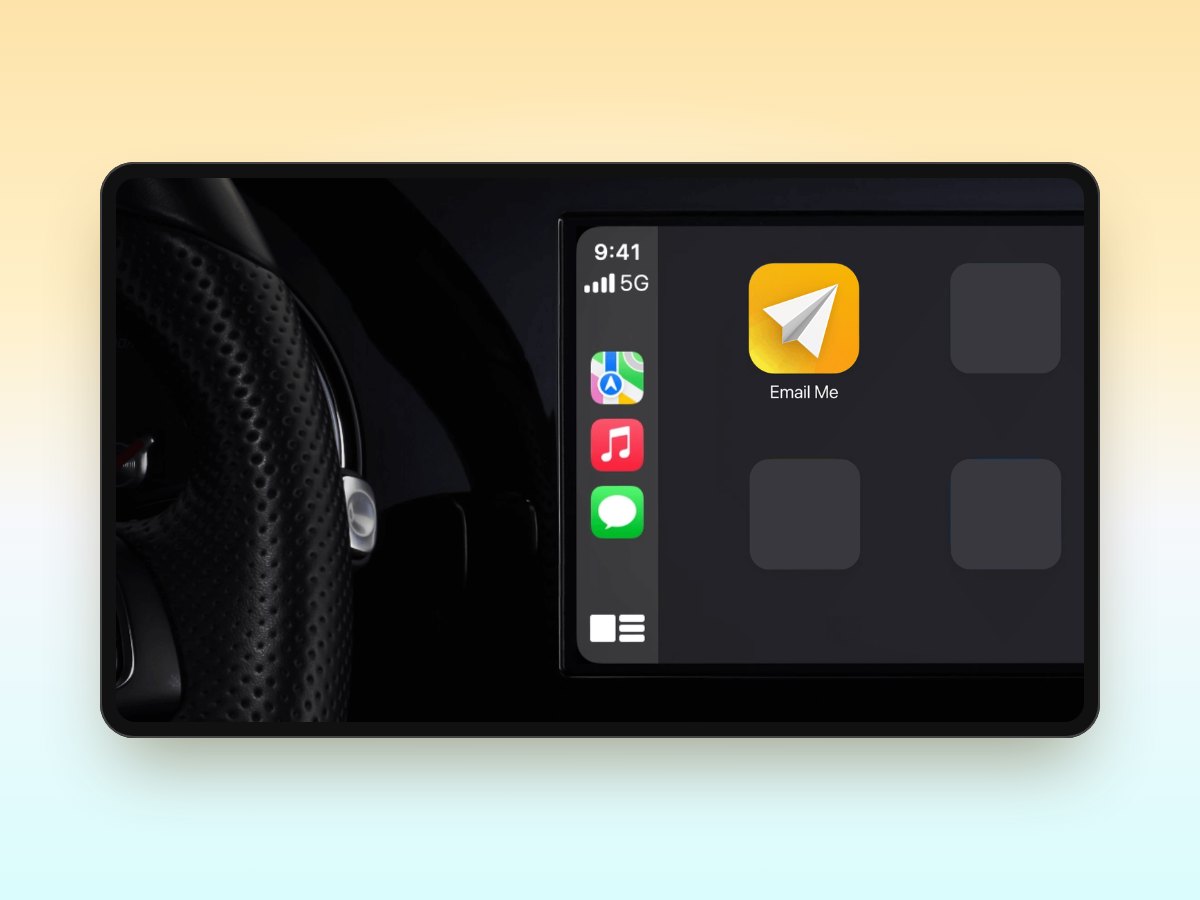
Email Me is updated for iOS 18. This release adds a few ways to get to a new note faster, along with new app icons and some fixes.
Control Center and the Lock Screen
You can start a note from Control Center or the Lock Screen using the new controls. It is another way to reach Email Me when you have something to save and want to get straight to it.
New app icons
There are Dark and Tinted icons for the new Home Screen options in iOS 18, plus two new designs: Apple and Turbo.
I have also updated the icon selection screen so it is easier to look through the choices and pick the one you want.
A few other changes
The onboarding has a new look for people opening the app for the first time. This update also fixes note export on iPad, an issue with the archive view on Mac, and Dark Mode problems on iOS 18.
If you try the new controls or find something that does not work as expected, please write to me. Your feedback helps me keep improving the app.
Thank you for reading ❤️
Manuel Escrig